Contents5
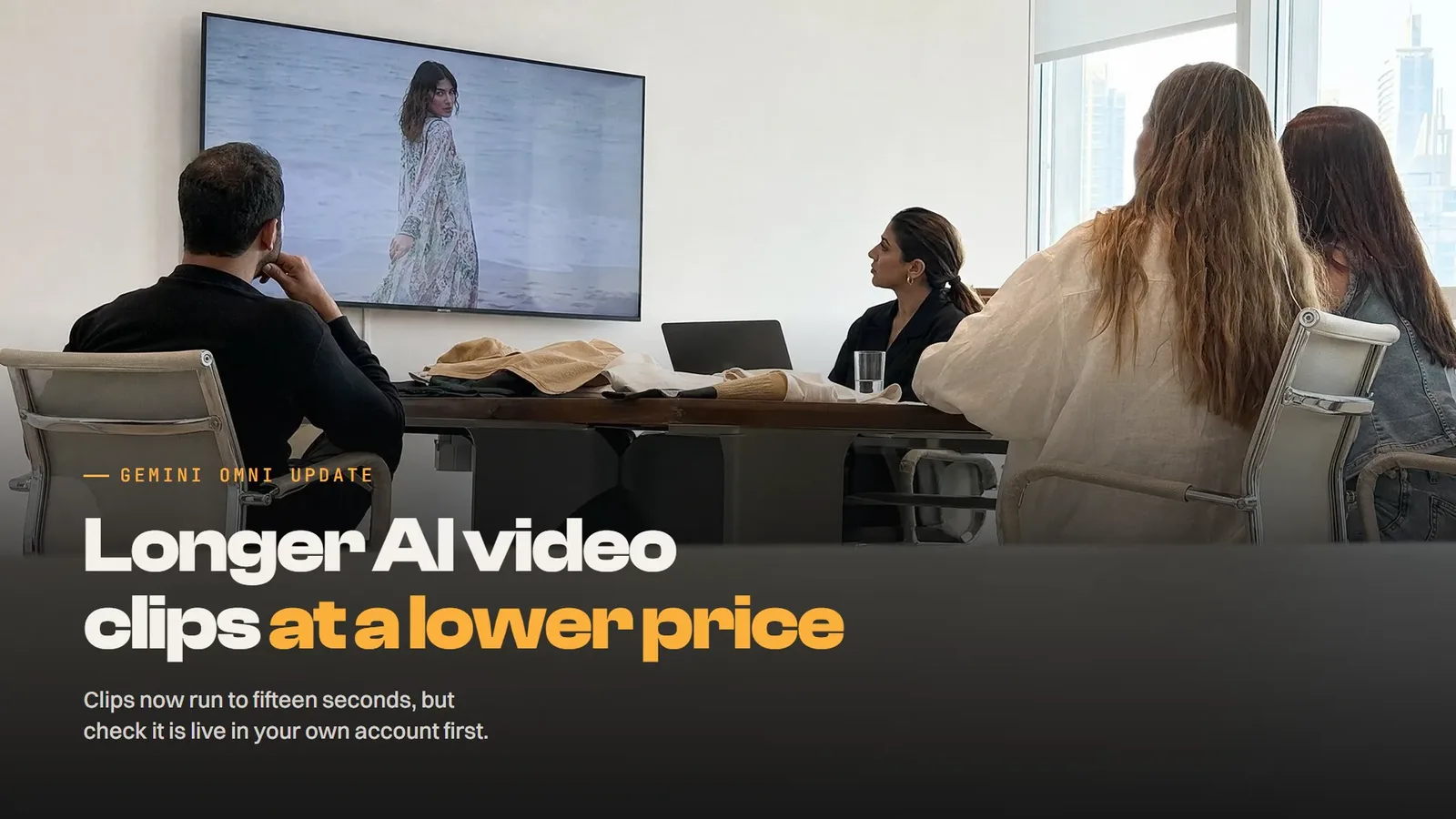
Google released Gemini Omni 1.2 Flash on 5 November, with the details published by Google AI. It's generally available on the Gemini API and Google Cloud for production video work and rolling out across Google Vids and Gemini for business. This release of Gemini Omni introduces three new capabilities for marketers: 15-second footage, closer reference following and follow-up edits through conversation.
How the new Gemini Omni compares with 1.1
The first upgrade is length, and it's the one most ad teams will notice straight away. The new version handles video creation and editing natively up to the 15-second mark, up from a 10-second cap in Omni 1.1. You can set the duration in one-second steps, anywhere from a three-second cut to a full 15-second spot. That leaves room to tell a complete story or run a product explainer in a single generation.
Pricing comes next: the price per second is lower than with Omni 1.1, and the workflow keeps costs down as well. You draft fast at 360p or 720p and fix a detail with a follow-up edit instead of rebuilding the whole shot. Then you upscale only the takes worth keeping to 1080p or 4K, rather than rendering every draft at full resolution.
Reference images and character consistency
To guide generation, Gemini Omni combines character, product or style images with short motion clips of up to three seconds and audio cues. Once you've set those multimodal inputs, the new version holds on to the details from the first frame to the last. Faces, garments, packaging typography and brand colours remain consistent across camera angles.
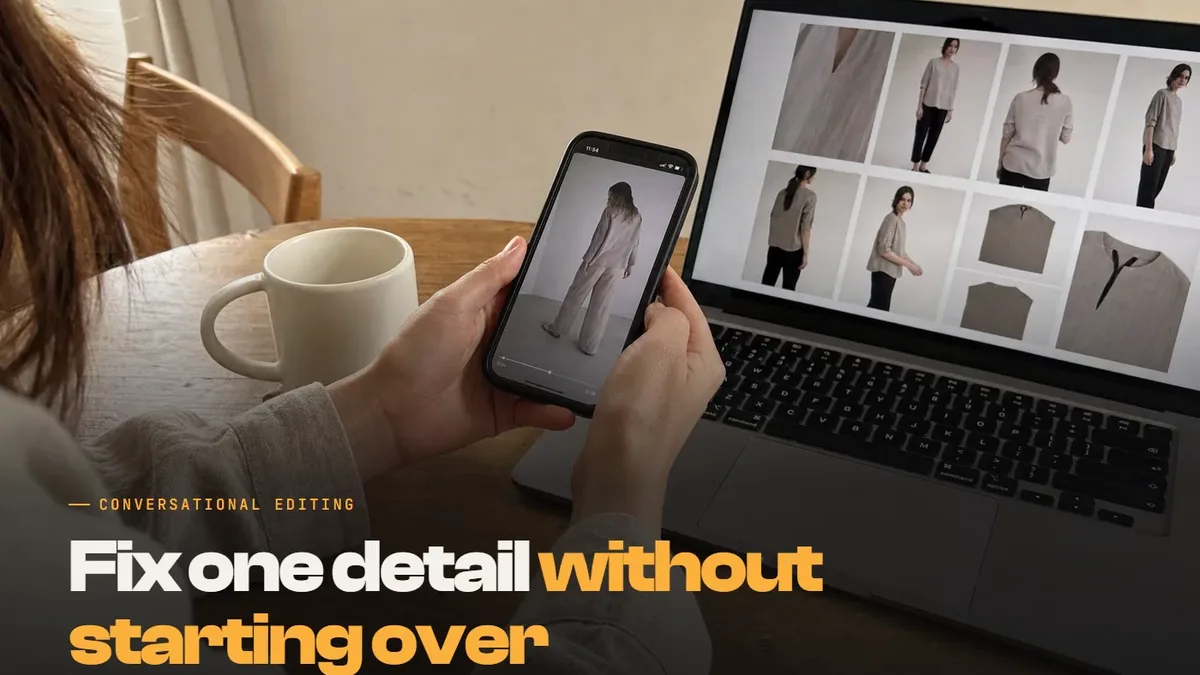
In the announcement's own demo, one model photo and front and back shots of three outfits became a 15-second virtual try-on sequence. That's the test many Dubai fashion labels will want to run early, because it starts from product photography they already own.
Consistency also holds from shot to shot, with less visual drift or morphing during motion and camera moves. That applies whether you interpolate between a first and last keyframe or extend existing video clips into a longer sequence. Characters, props and settings keep their look throughout, which is what scene continuity in a real ad depends on.
The poster demo shows the gap with the older version. Given the same poster and animation prompt, Omni 1.1 doesn't match the reference as closely as 1.2 does. The newer release builds the design layer by layer and keeps every material, shadow and letterform consistent through the final frame.
Conversational video editing in plain language
Multi-turn editing is the feature likely to save the most time day to day. You edit video by giving instructions in natural language, instead of writing a fresh text prompt and starting over. In practice, you'd ask it to change the background or warm up the lighting, and keep everything else you liked about the original shot.
Because video generation and editing sit in the same model, small fixes stay inside one conversation. For a team that turns out several ad versions a week, that means a quicker editing workflow and fewer full renders.
Who it affects in the UAE
The announcement focuses on commercial work, so it matters most to UAE teams producing a steady flow of short, high-quality video for ads. Retail and e-commerce brands can test virtual try-on and catalogue spins, or turn existing photos into video explainers. Developers on the Gemini API can build it into their software now, and creative teams on Gemini for business get it inside that service. If Gemini is part of your working day, you may also want our post on AI Mode and Gemini Connected Apps.
If you advertise in Arabic and English, test Arabic on-screen text early, because the typography examples in the announcement are in English. Before you plan a campaign around it, confirm you have access to the model in your own account and region. For most brands, the sensible starting point is more versions of ads you've already proven, not a replacement for a full campaign shoot.
What a Dubai business should do now
Start with one ad format you run today and a single item from your range, so you have a fair comparison. Your first Gemini Omni video should be a new version of an ad that's working now, built from photos you trust. Gather clean product shots from the front and back, plus any character sheets or brand assets you already use. If your team uses image generation for catalogue shots, those pictures can feed the test too.
If your brand has a signature sound or music bed, keep that audio ready, because Omni takes audio cues alongside pictures. Those references give the model its direction, so the better they are, the less you'll need to fix later. Write a prompt for a 15-second spot, draft it at 720p and refine the details with follow-up edits.
Only then upscale the video output you plan to publish. Keep a simple log of what you asked for and how many edits each version took.
Put a human review step before anything goes live. Check the generated scenes against the real item, with close attention to faces, garments and on-screen text. AI-generated video still needs a person to sign it off, the same as any ad shot on set.
Then run the new versions against your current ads and judge them on results. The Adnika Dashboard: one live view of a client's ads, analytics and CRM data, with AI recommendations reviewed by the strategist. If you're testing generated spots with us, that's where you'd see whether they bring in more clicks and leads than the ads you run now.
Video is one part of a broader marketing content workflow, and you can see how we handle the rest under AI content generation. When you're ready to plan a test with your own range, talk to our AI agency in Dubai.