 Personal brands
Roxana Diaconu
- Design
- Development
- 3D and motion
HubSpot & CRM
Onboarding a new HubSpot portal comes down to four steps: technical setup, migration, training by role and an adoption review. HubSpot's own guided onboarding handles the first step well. The other three decide whether your team uses the portal or drifts back to spreadsheets.
A senior person reads this and replies within one working day. No call centre, no drip sequence.
The form did not load.
It is our end, not yours. Email us instead and it reaches exactly the same person.
Support@adnika.comPlatforms & clients
The platforms we build and run campaigns in, and the clients whose numbers we publish with their names on. These are tools we use, not partner badges.


Websites and plugins connected to a CRM, from HubSpot to Goyzer and Odoo. Pick another service or an industry, or search for a client.
View all case studies Personal brands  Corporate
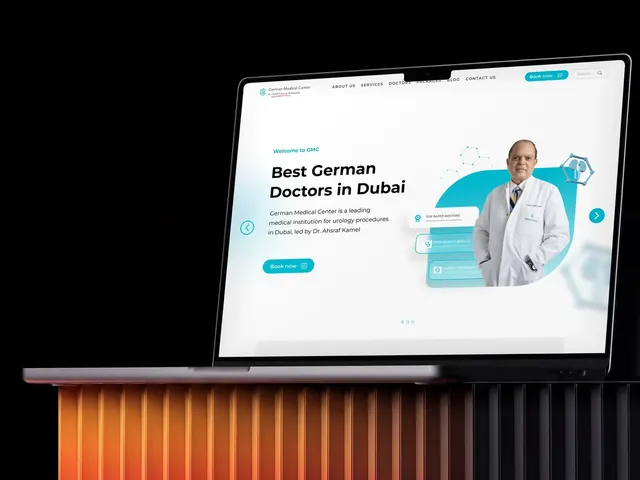 Healthcare
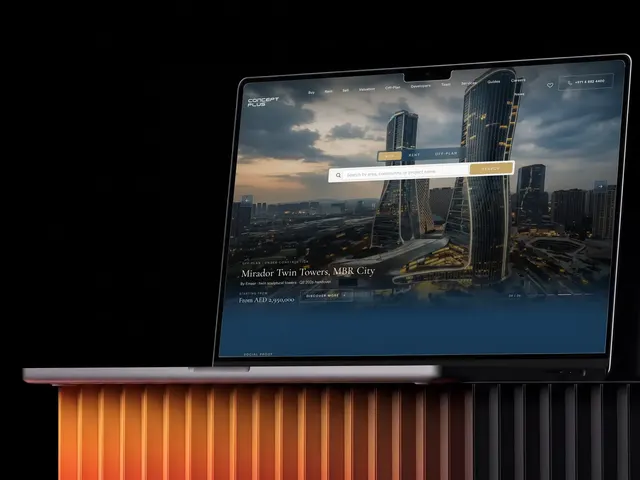 Real estate
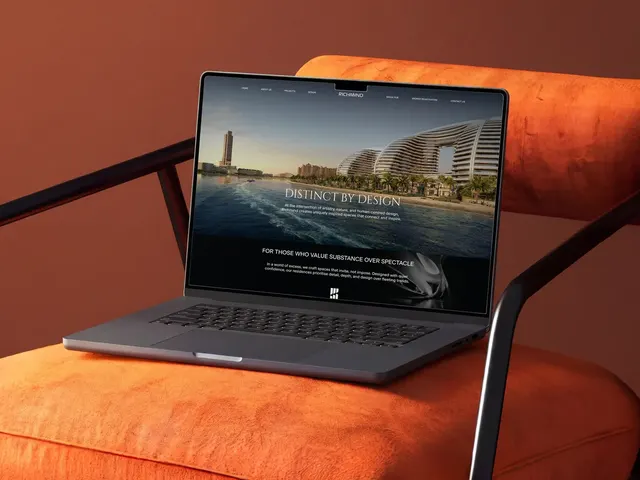 Real estate
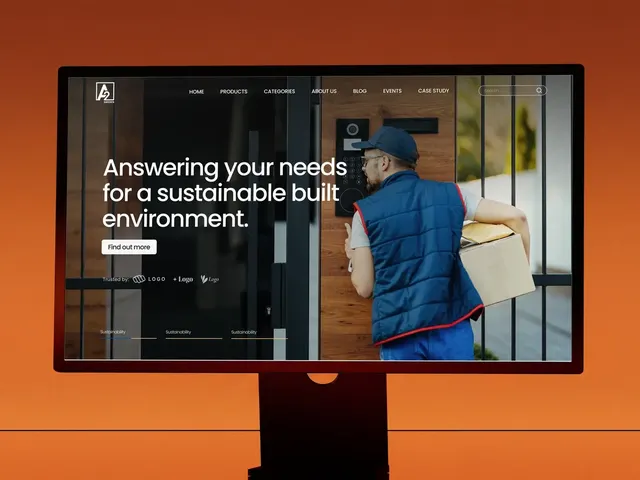 B2B and industry
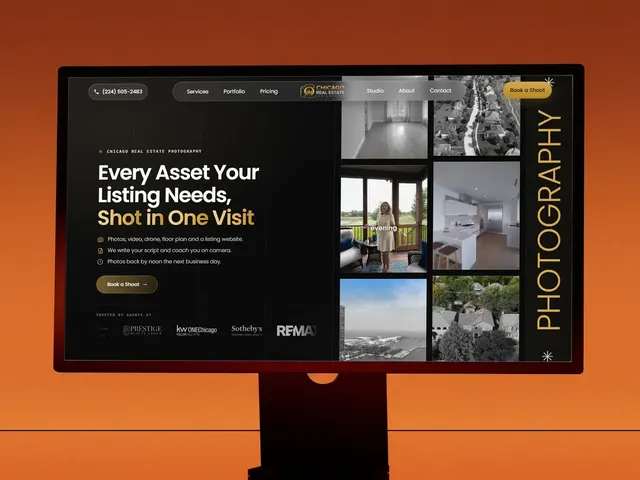 Real estate
 Real estate
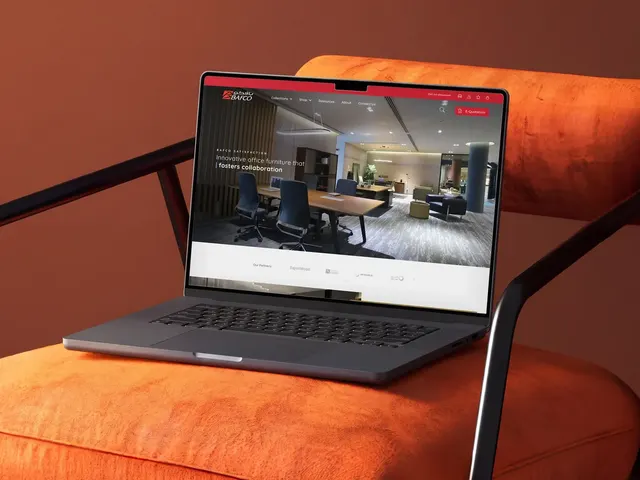 Retail and e-commerce
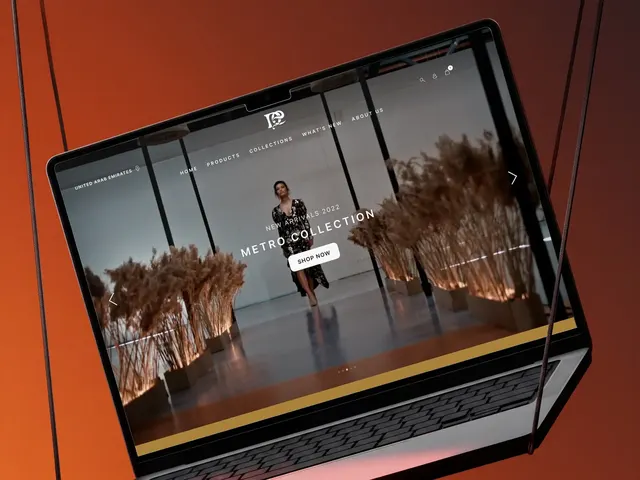 Retail and e-commerce
 Healthcare
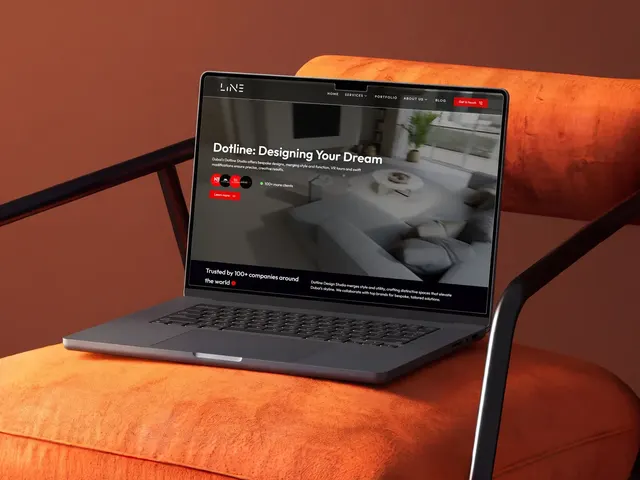 Interior design
 Personal brands
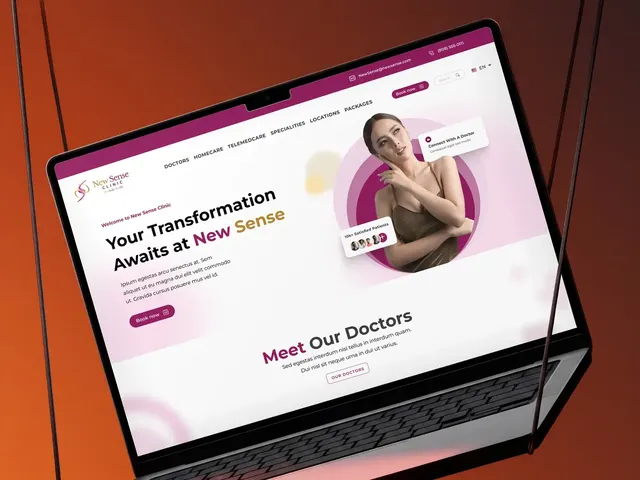 Healthcare
 Healthcare
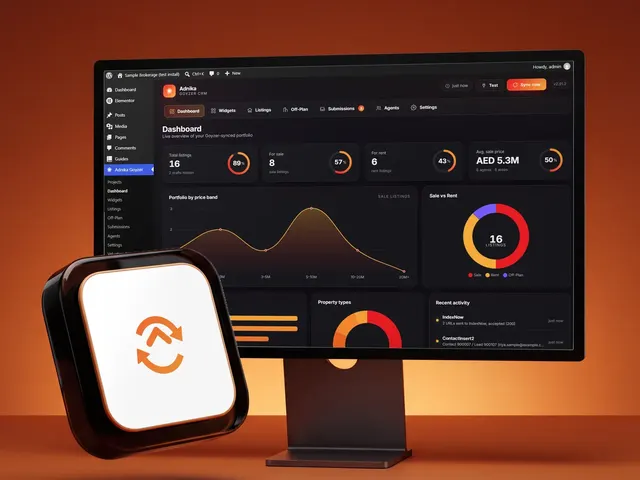 Real estate
 Education
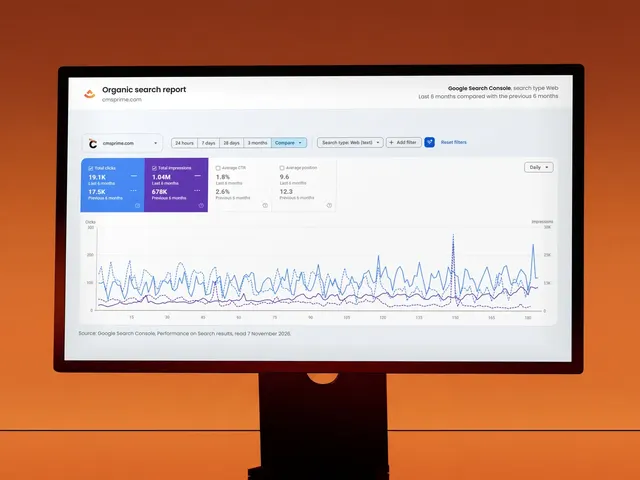 Finance
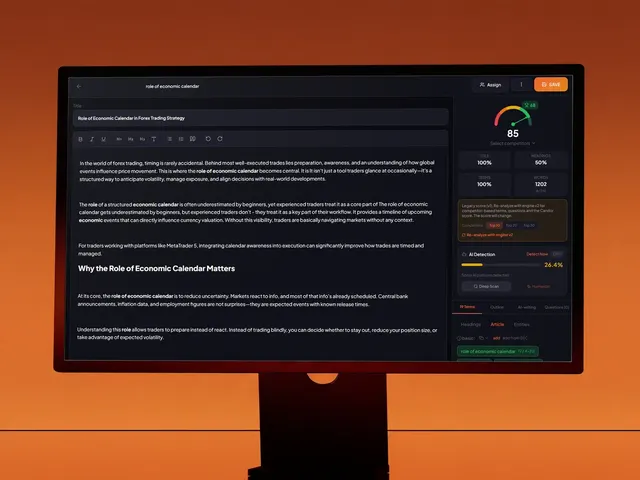 Our own products
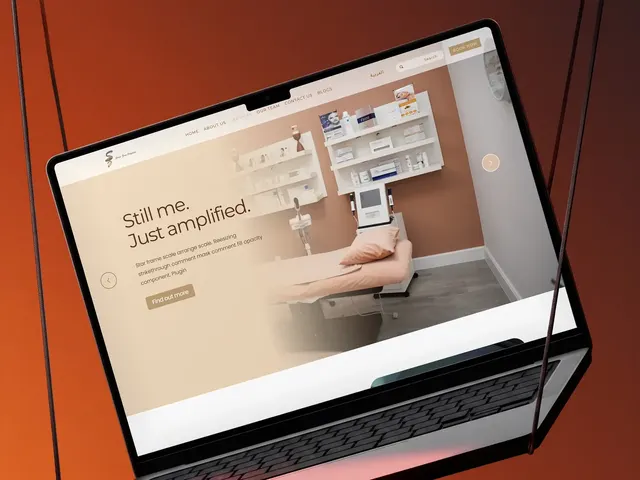 Healthcare
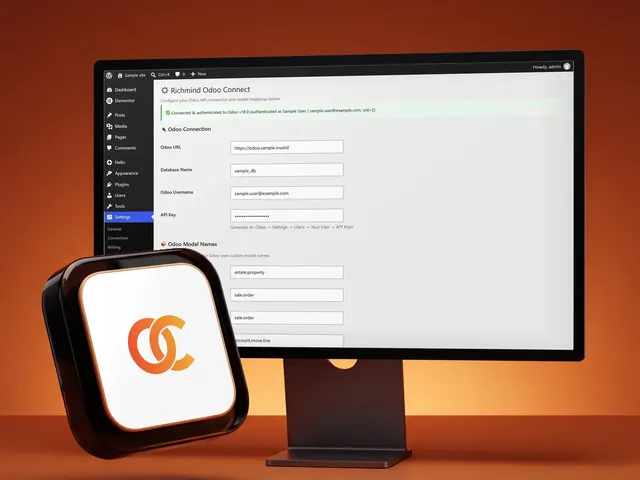 Real estate
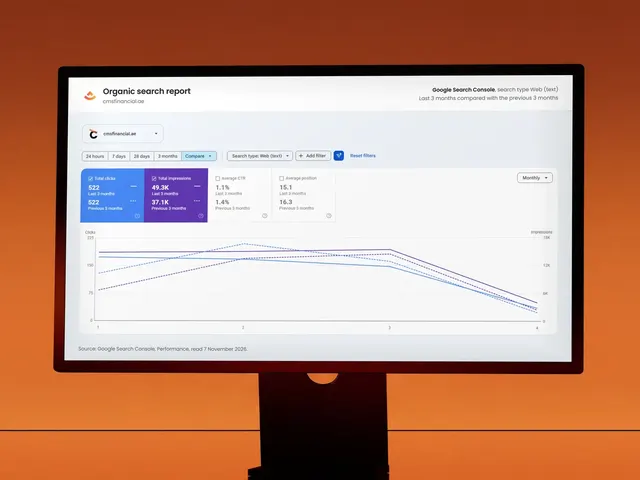 Finance
 Healthcare
 Our own products
 Our own products
 Our own products
 Healthcare
Nothing matches that yet.
The problem
Every box ticked, every hub switched on, one demo given to twenty people at once. Two months later three of them use the portal properly and the rest have gone back to spreadsheets.
Why a new portal goes unused
Sales, marketing and service watched the same ninety-minute walkthrough. Each needed about a quarter of it, and none of them got to practise on their own work.
How to create a deal, rather than how your team should log a call once it ends. People keep hold of a process framed around their own work and forget feature tours.
The knowledge was lost when the trainer left. When somebody joins four months later there is nothing to hand them, so they learn by asking colleagues who half remember.
Onboarding was declared complete on a date rather than against a measure. Nobody looked at logged activity a few months on, so the drift went unnoticed until the dashboards stopped making sense.
What is included
Configuration is the easy half. Each step below is planned around the half that decides whether the portal gets used.
Pipelines, properties, lifecycle stages, permissions and custom fields, set to how your sales team works rather than HubSpot's defaults. B2B teams with long sales cycles often need more than one pipeline.
Contacts and companies cleaned and deduplicated before they land, with a deliberate decision about what not to bring across.
Sales, marketing and service each get a hands-on session on that team's real records, not demo data, in Arabic and English where needed. People learn their own job, not a tour.
Short written guides for the tasks people do every week, kept in a shared knowledge-base your team can update. They're written for someone who joins next year and wasn't in the room.
One person per team learns the portal in more depth, so day-to-day questions get an in-house answer rather than a support ticket.
Email templates, meeting links, quotes and saved views, so the portal saves people time from week one. Connecting each person's inbox and calendar matters too, because people stay in the tool that holds their email.
Logged activity, deals moving through the pipeline and report usage, checked twice after go-live against targets agreed at the start.
Where adoption is poor, we rework the process or the portal itself rather than adding classes. More teaching rarely helps a portal that makes someone's job harder.
Technology
The portal, your contacts, the integrations and the daily routine around them.
Across the hubs you have bought.
Clean before it lands.
Where adoption is won.
Checked twice after go-live.
How we work
The rollout runs in order, starting with your process and ending on a measure rather than a launch day.
Pipelines, properties, lifecycle stages and permissions, built from how your team works. Where the process is unclear we settle it with management first, because building around a vague process bakes the vagueness in. Integrating HubSpot with existing systems happens here too: Gmail or Outlook, Google or Microsoft calendars and any third-party apps you rely on.
Deduplicated and mapped, with dead records left behind on purpose. A clean start is worth more than a complete one.
Each team learns on its own accounts and deals rather than demo data, in a group of its own. One champion per team goes deeper, so questions have someone close to hand.
We check logged activity and pipeline progress against the targets agreed at the start. Where adoption falls short, we fix the process or how the portal is built instead of booking another round of teaching.
Why us
Because the whole onboarding experience is built around the part that usually goes unscoped: how people work after go-live.
Sales learn on the deals they're trying to close, service on their own tickets. One session for everyone teaches the software and not the job, which is why so little sticks.
Short guides for the weekly tasks, so somebody who joins six months later has something to read. Otherwise the knowledge leaves with the trainer.
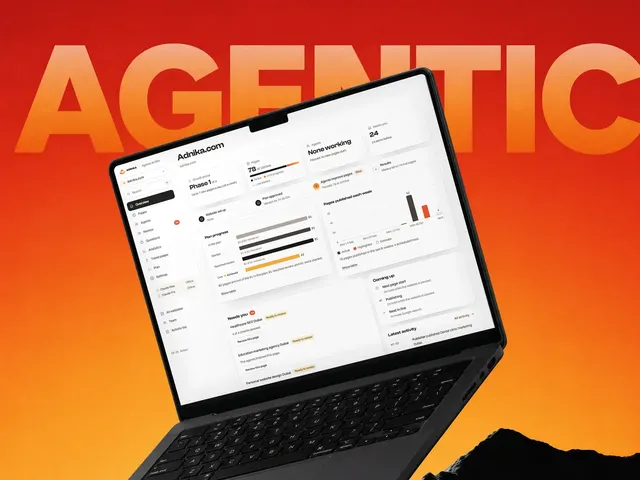
Once soon after launch and again a few months on, against targets agreed at the start. The Adnika Dashboard: one live view of a client's ads, analytics and CRM data, with AI recommendations reviewed by the strategist. For an onboarding client, it shows the new pipeline beside your ads, so gaps in what the sales team logs surface early.
If people avoid the portal, the biggest cause is usually that it makes their job harder. Another class won't fix that, but a simpler process or portal usually does.
Industries
Every number below is the count of case studies we have actually published in that sector, and the best result among them. Nothing is a counter.
Where this sits
Onboarding is the start. Advanced reporting, automation and lead scoring tend to follow once the portal is in daily use.
Client stories
On camera and in writing — swipe through the founders and teams we’ve helped design, build and grow.
In their words
GMC is thrilled to extend our heartfelt appreciation to Adnika! Collaborating with Ehsan and his team has consistently been an absolute delight. Ehsan's dedication and commitment have ensured that German Medical Center remains an exceedingly satisfied and happy client, especially regarding their Hubspot Onboarding, Digital Marketing, Website Development, Content Creation and Social Media Marketing. Adnika is indeed the Best Digital and Growth Marketing Agency in UAE!
Adnika provided us with their Inbound Sales and Marketing solutions through Hubspot. They helped us generate more qualified leads for our sales team, drive website traffic, increase customer engagement, and grow our customer base. Adnika is a reliable partner that has always taken our specific goals and needs seriously.
Adnika has helped us plan, implement and optimize ad campaigns on Facebook and Instagram. Adnika is truly committed to Performance Marketing. They provided us with a fantastic dashboard with detailed KPIs that helped us track the campaigns’ performance in real time. Adnika also gave us helpful and dedicated support during the whole project, and the campaigns turned out to be a great success. We highly recommend working with Adnika's growth experts.
We really enjoyed working with Adnika’s team. Not only are they talented, but they all take the time to understand whom they're working with, what they're trying to accomplish, and how to help the business achieve its goals. The quality of work we've experienced has made a huge difference for us and helped drive new business.
Adnika helped Sea Technology with setting up new digital channels, such as Google Search Ads, to attract more customers and leverage our brand. We are very satisfied with the results and we will continue with the implementation of lead generation, marketing automation, and performance marketing.
Working with the Adnika team has been a real pleasure! Extremely friendly, Ehsan and Elin are always available with prompt replies, valuable insights, patience, a problem-solving attitude, and high knowledge. Super easy to work with them. I highly recommend the Adnika team to help your business!
I am an artist, but I also manage a collective of DJs. In order to promote our services to our clients, we needed Inbound solutions that could attract the right traffic and promote the brand. Adnika built and designed our Inbound processes as well as create and manage campaigns on social media and Google Ads which helped us attract many more customers. I’m very happy!
We've been using Adnika growth marketing solutions only for a few months. They are highly professional, competent, experienced, and creative. Get ready to get to work with this agency. They will come alongside you as a business owner and feel your pain and joy! Get ready to transform your business.
Questions
Including whether you need it at all.
It varies depending on scope, so we don't quote a figure until we know the job. The main factors are how many hubs and users you have, whether you're moving contacts from an old system and how many teams need coaching. Ongoing support after go-live adds to the investment too. We scope first, then price, and the scope document is yours whether or not you go ahead.
HubSpot's own onboarding is competent at setting the platform up correctly, which isn't the same as changing how your team works. It's generic by necessity, and it doesn't sit with your team afterwards. For a simple setup theirs may be enough, and we'll tell you so. Our HubSpot CRM Agency in Dubai page covers the wider work that tends to follow.
HubSpot requires onboarding on certain tiers, which you can take from them or from a partner. Check what your contract obliges before paying for both.
Then the work is remedial rather than onboarding, and that's common. We audit what was set up, find where adoption broke and fix the process or the build. It's usually faster than starting over, because your contacts are already in the portal.
The usual timeline is four to eight weeks for mid-market setups, and a small single-hub sales build can take under a month. Delays almost always come from HubSpot data migration or an open question about the sales process.
A day or two at the start from whoever owns the sales process. After that, a couple of hours per team for the role workshops and an hour per champion. The process workshop is the one part you can't shorten without paying for it later.
Everyone who will use the portal, in groups by role, plus one champion per team who learns it in more depth. The champion matters because day-to-day questions then get answered inside the team instead of becoming support tickets. For a longer programme, see our HubSpot training for sales and marketing teams.
Short written guides for the tasks people do weekly, the configuration decisions and why they were made, and the field mapping from any migration. Written for someone who was not in the room.
We agree adoption targets before go-live, then track them at two reviews: logged activity, deals moving through the pipeline and reports being opened. Anything less is declaring success on a calendar day.
We look at why people struggle, and it's almost never that they're lazy. Usually the portal asks for details that help a manager rather than the person entering them, or a required field blocks a common action. We fix the portal rather than repeating the workshop.
Yes, implementation support can carry on after go-live, either ongoing or as needed. Many clients want a few hours a month at first and little after that. We'd rather set it up that way than have you pay for hours that go to waste. Once the portal is in daily use, HubSpot marketing automation is often the next build.
No questions match — try another search.
Next step
Name them before go-live. That's almost always where the process problem sits, and fixing it now costs far less than fixing it after launch.