Contents10
- Know which parts of HubSpot you need
- Put the tracking code on every page
- Turn visitors into contacts with forms and landing pages
- Use content to give people a reason to sign up
- Bring ad and social leads into the same records
- Score leads and set lifecycle stages
- Automate the follow-up with workflows
- Hand qualified leads to sales
- Measure the funnel and fix the weakest step
- Get help with the setup
HubSpot pays off for lead generation when you treat it as one connected system rather than a set of separate tools. Your website brings people in, forms turn them into contacts, and the CRM decides who is ready for a sales call. This guide follows that path in the order most teams should build it, with the settings worth checking at each step.
Know which parts of HubSpot you need
HubSpot sells its software as separate hubs that all share the same CRM. When the goal is new leads, most of the work happens in Marketing Hub. Sales Hub takes over once a lead is ready to talk. Service Hub covers support after the sale, so you can leave it aside while you build the lead flow.
Because the contact record is shared, both teams read the same history and nobody keeps a private spreadsheet. Check which edition of Marketing Hub your account has before you plan anything, because workflows are not part of every edition. The same goes for some reporting and scoring features, so confirm what you have before promising them to the sales team.
Put the tracking code on every page
Start by adding the HubSpot tracking code to every page of your website, including any separate booking or shop pages. It records page views quietly, and once a visitor fills in a form, HubSpot links their earlier visits to the new contact. That history shows sales which product pages someone read before asking for a call. HubSpot also records the original source of each contact, so you know which channel first brought every lead in.
Turn visitors into contacts with forms and landing pages
A visitor only becomes a lead when they give you a way to reach them, so forms are where the work starts. Build them in Marketing Hub and embed them on your pages. If you already have forms elsewhere, connect them so their submissions reach the CRM too.
Keep each form short and ask only for what sales needs at that stage. Progressive fields let you ask for more detail on a later visit instead of loading everything into the first form.
Give each content offer its own page, with one form and one clear action. HubSpot's drag-and-drop editor lets marketers build and change these pages without waiting for a developer. That speed matters when a new ad goes live and the page has to match what people clicked. When you want to improve the pages themselves, our guide explains how to optimise each page for lead capture.
Use content to give people a reason to sign up
A form converts only when the offer behind it is worth an email address. Useful content does that job, whether it's a checklist, a template or a recorded demo of your product. A few strong offers beat countless thin ones, so start with one for each stage of the buying decision. Note which offer suits a first visit and which suits someone close to buying.
Your blog then brings in the search traffic that sees those offers. Write posts that answer the questions buyers type into Google, and end each one with a link to the related content offer. SEO decides whether those posts get found, so give each one a clear topic and a descriptive title. Over time this content keeps bringing in leads after an ad has stopped running.
Bring ad and social leads into the same records
Paid and social leads should land in the same records as everyone else. Connect your ad accounts to HubSpot so contacts from lead ads arrive tagged with the campaign that produced them. That lets you compare channels on qualified leads and deals rather than on clicks. If your team runs lead forms on social platforms, sync those too, so nobody has to export a spreadsheet each week.

Score leads and set lifecycle stages
Not every contact is ready for sales, and passing them all to reps wastes everyone's time. HubSpot's lifecycle stage property tracks each contact from subscriber through to customer, which gives both teams one shared language. Agree in writing what makes a lead marketing qualified before you build any scoring. A lead score then adds points for fit, such as job title or company size.
It also adds points for behaviour, like a second visit to a product page or a demo request. Take points away for signs of a poor fit, such as a competitor's email domain or months without a visit. For a worked example with real scoring rules, see our practical guide to HubSpot lead scoring for Dubai B2B.
Automate the follow-up with workflows
Leads go cold when nobody replies, so the first follow-up shouldn't depend on someone remembering to send it. Workflows automate that step: one form submission triggers a thank-you email, updates the lifecycle stage and creates a task for a rep. Have it assign an owner too, so every new lead lands with a named rep in Sales Hub. Email marketing in Marketing Hub then keeps slower leads warm with a short series tied to the content they first downloaded.
Keep each email focused on one next step, and stop the series as soon as a lead books a call or replies. When you test, change only the subject line or only the offer, so you know which one made the difference.
Hand qualified leads to sales
When a lead reaches the agreed score, change its stage and tell the owner straight away. On the contact record, the rep sees each page the lead viewed and each email they opened before picking up the phone. Meeting links in Sales Hub let the lead pick a slot in the rep's calendar without a chain of emails. Create a deal when the first meeting is booked, so each won deal traces back to the source and campaign behind it.
Measure the funnel and fix the weakest step
This setup is never finished, so set a monthly review and change one thing at a time. HubSpot's reports show visits, contacts, qualified leads and deals by channel, which tells you where people drop out. If plenty of people visit but few fill in a form, the offer or the page needs work. If many leads arrive but few become qualified, look at the targeting before you touch the scoring.
Compare content offers by the qualified leads they produce rather than by downloads. HubSpot's own reports cover the CRM well, but lead quality also depends on the ads and pages that feed it.
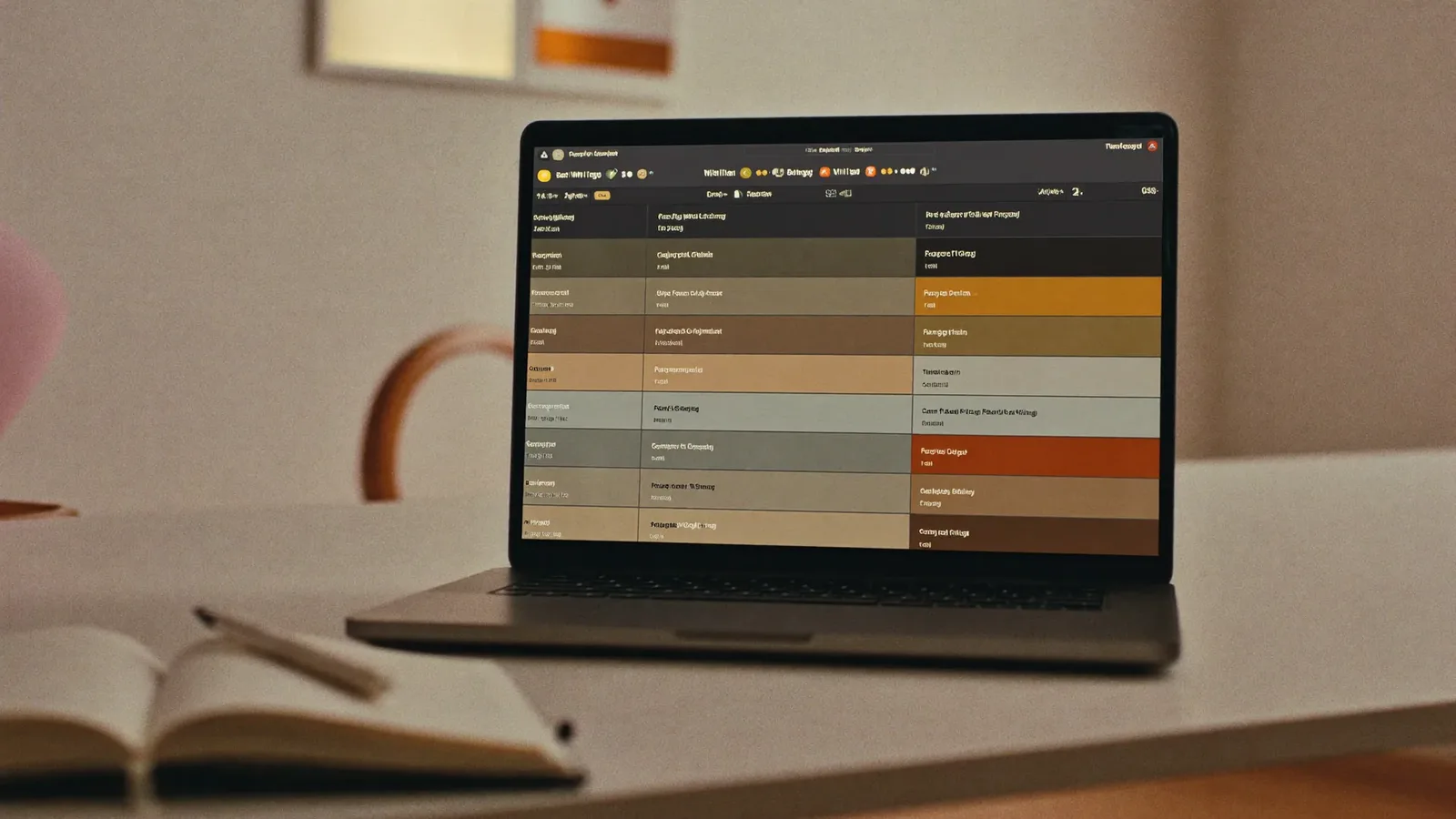
The Adnika Dashboard: one live view of a client's ads, analytics and CRM data, with AI recommendations reviewed by the strategist. A business generating leads in HubSpot can then read its CRM data beside its ads and analytics.
Get help with the setup
Switching the tools on is the quick part. The slower work is agreeing what counts as a qualified lead and who follows up, then building HubSpot around those rules. If your account is new, start with a structured plan for HubSpot onboarding in Dubai. If you'd rather plan and build the whole system with outside help, talk to our HubSpot CRM agency in Dubai.