Contents9
- Why reviews on Google matter for a local business
- Get your Google Business Profile ready first
- Create a review link that opens in one tap
- Ask right after a good experience
- Put the request where customers already are
- Track which requests bring in reviews
- Respond to every review, positive and negative
- What to avoid when chasing reviews
- Turn reviews into new customers
Plenty of customers who had a positive experience are glad to leave a review when someone asks them. What usually stops them is friction: they forget, or they can't find the right page on their phone. This article walks through each step, from getting your listing ready to replying when a review is unkind.
Why reviews on Google matter for a local business
When someone in Dubai looks for a dentist, a cafe or a plumber nearby, Google Maps shows your star rating right next to your name. Potential customers read a few reviews before they call. A run of fresh, specific reviews builds trust faster than anything you could say about yourself. Google's own guidance on local ranking says review count and score are part of how it judges prominence.
That means reviews do two jobs at once. They win clicks from people who already see you in the local search results, and they add to your visibility in local search over time. Reviews feed both local SEO and customer trust, and each one keeps working for you.
Get your Google Business Profile ready first
Before you request a single review, check that your business is verified and that every detail on the listing is correct. Many business owners still call it their Google My Business page. The product is now Google Business Profile, and you can manage it from Google itself or from the Maps app. Search for your business by name while signed in, then check the category, opening hours and phone number.
If you aren't listed on Google yet, create the profile and verify your business before you go any further. A complete profile with photos and accurate information is the base of a strong online presence.
Create a review link that opens in one tap
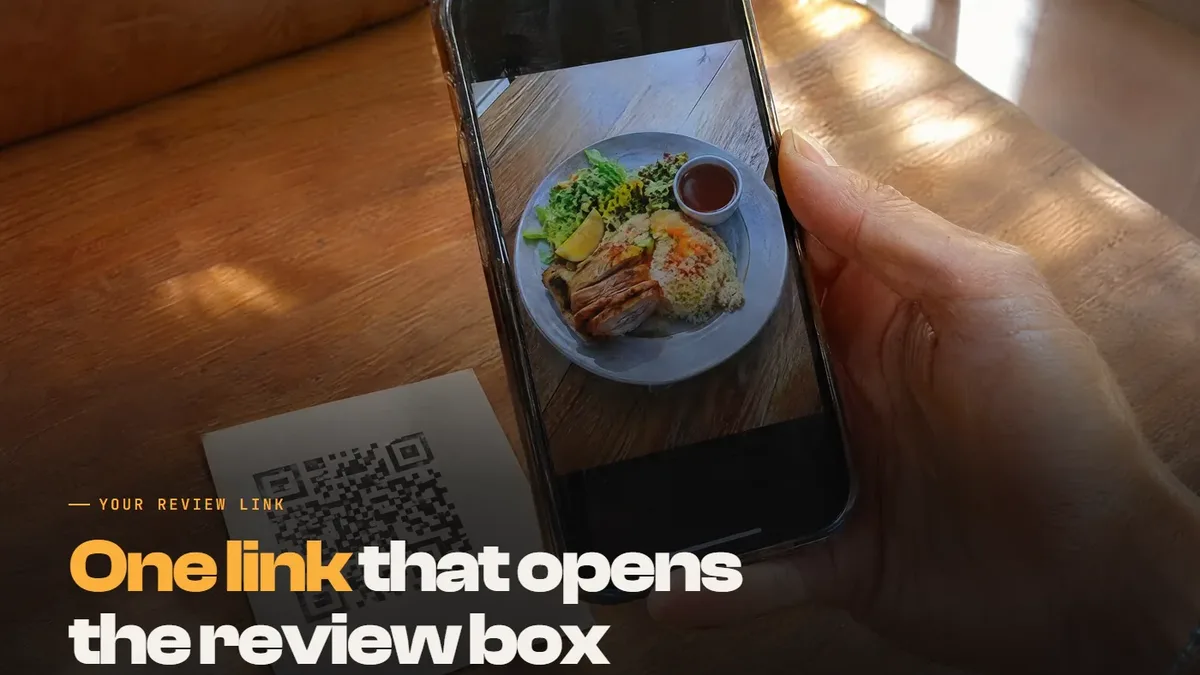
Creating a direct link removes most of the friction, because it opens the review form straight away. The customer taps it, picks the stars and can write a review without hunting around. You can find yours from the profile itself, in three steps:
Open your Business Profile on Google while signed in as the owner.
Pick the option on the profile that gives you a link to ask for reviews from customers.
Copy the short link and keep it somewhere your whole team can find it quickly.
Some people call this a Google review link shortcut, because it skips every step between the customer and the review box. Test the URL on your own phone before you send it to anyone. People are far more willing to leave a quick Google review when the link opens on the first tap.
Ask right after a good experience
The first rule for getting reviews is to ask, and timing decides whether people say yes. Ask right after the high point of the visit, when the experience is still fresh and the customer is still smiling. That moment might be a finished repair, a treatment that went well or an order that arrived on time. A week later, the same request is easy to ignore.
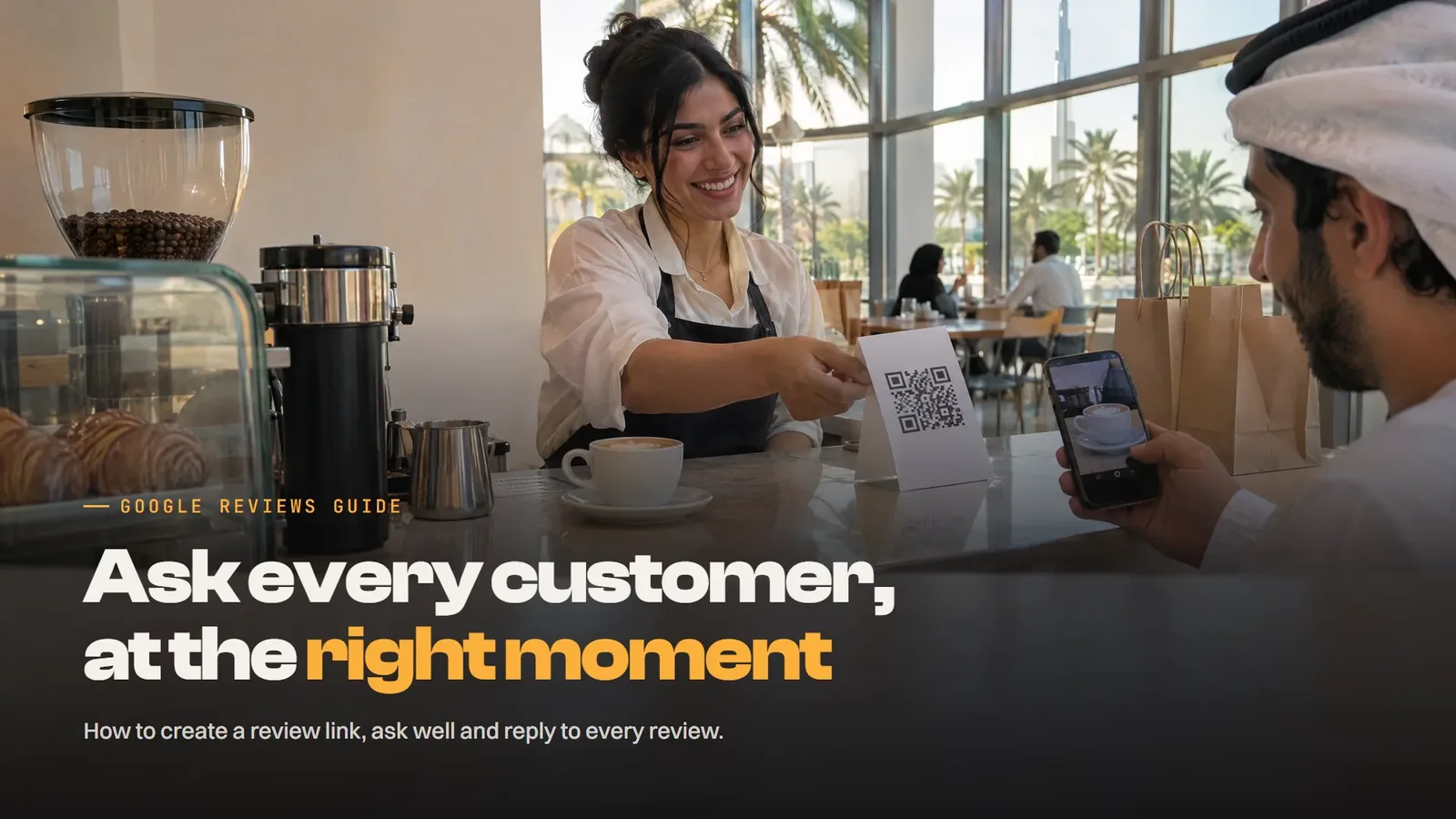
Do it in person when you can, and train front-desk staff to make it personal. Use the customer's name and mention the product or service they bought, so the request sounds like a conversation between people. A line such as "Thanks for coming in today, would you mind telling others on Google how it went?" works better than a generic message. Then send it immediately, while their phone is still in their hand.
Send the request to every customer, not only the ones you expect to be pleased. Google's review policy says businesses must not selectively solicit positive Google reviews, so a request that goes to everyone keeps you within the rules. You'll still collect plenty of Google reviews from happy customers, because satisfied customers are the ones most willing to help.
Put the request where customers already are
One request at the counter is rarely enough to get customers to leave a review, so repeat it wherever they already look. Add the link to your thank-you text message and to the follow-up email campaigns you send after a visit or an order. For online orders, an automated email sent soon after delivery catches people while the purchase is fresh. If you send to a large list, email marketing that gets read can carry the request without feeling like spam.
For walk-in trade, print a QR code that opens the review form on counter cards and on each invoice. A customer waiting for the bill can scan it in a few seconds. On your website, add a "Review us on Google" button to the footer and the order confirmation page. That button can point straight to your Google reviews page, so nobody has to look you up.
Your social media platforms help too, mainly with loyal followers who already know you. A post now and then that thanks recent reviewers reminds others that their opinions matter to you. Keep the main effort on direct requests, though, because people you served are the ones who can describe the experience.
Track which requests bring in reviews
Watch your Google review count each week and note which channel you pushed in that period. If the button sits on your site, record each click on it as an event, so you can see how many visitors start a review. A careful GA4 setup in Dubai handles that kind of click tracking alongside the rest of your reporting.
For Adnika clients, those numbers don't live in a separate spreadsheet. The Adnika Dashboard: one live view of a client's ads, analytics and CRM data, with AI recommendations reviewed by the strategist. When GA4 tracks review clicks, they sit in that same view as your ad results. You can then compare which follow-up step earns reviews.
Respond to every review, positive and negative
Responding to reviews shows customers that you care, and it shows the next reader how you treat people. Reply to positive reviews with a short thank-you that names something specific they liked. When you respond to negative reviews, stay polite, admit what went wrong and offer to sort it out offline. Potential customers read your public reply as closely as the complaint, so write it for them as well.
Read the customer feedback for patterns, too, because it works as a free audit of your customer experience. If several reviews mention slow answers or a confusing booking step, fix that first, since it will keep costing you stars. You can't get honest reviews removed because you dislike them. Google does take down reviews that break its content policy, such as spam or abuse, and you can flag those from your profile.
If you run a clinic, never confirm in writing that the reviewer is a patient or discuss their treatment. Our guide to Google Ads for healthcare marketing covers the paid side of reaching new patients.
What to avoid when chasing reviews
Never buy Google reviews or post fake ones from staff, friends and family. Google can take them down, and a burst of identical praise makes readers suspicious rather than reassured. Don't offer discounts, gifts or a prize draw in exchange for reviews either. Google's policy bans incentives, and a review that was paid for carries little weight with the people reading it.
Avoid pressure as well, because standing over someone while they type does more harm than a missing review. Make the request, hand over the card and let the customer decide what to write.
Turn reviews into new customers
Reviews from your existing customer base do much of the work of attracting new customers, and they keep doing it long after the sale. People who click your Google Ads in Dubai often check your rating on Maps before they call, so ads and reviews support each other. Start this week: create your link, print one QR code card and ask the next customer who leaves smiling.