Contents12
- What HubSpot Starter gives you
- What changes on Professional
- HubSpot Starter vs Professional, hub by hub
- Marketing Hub
- Sales Hub
- Service Hub
- Signs your team has outgrown Starter
- When Starter is still the right call
- Comparing the cost without the guesswork
- Reporting on either plan
- Moving from Starter to Professional
- Making the call
Most teams comparing HubSpot's Starter and Professional plans are asking a simpler question. Is the extra cost worth it for the way we sell today? The answer depends less on the feature list and more on how much of your follow-up still happens by hand.
This guide walks through what each plan does and the signs that it's time to move up. We've left prices out, because HubSpot changes them often and your seat count shapes the total anyway. Check HubSpot's own pricing page for current numbers before you sign anything.
What HubSpot Starter gives you
Starter is HubSpot's entry paid plan, and it's a clear step up from the free CRM. It takes the HubSpot logo off your forms and emails, which matters once clients start seeing them. You also get email marketing, live chat, deal pipelines and meeting links in one place. For a team of two or three people, that covers most of the daily work.
Reporting on Starter runs on HubSpot's standard reports and dashboards. You can track deals by stage and see how your emails perform, but the custom report builder sits in Professional. Automation on Starter covers simple follow-ups, such as an email sent after someone fills in a form. Workflows with if/then branches, which most real sales processes need, are a Professional feature.
What changes on Professional
Professional is where HubSpot starts running your process for you. The main addition is full workflows, which trigger on almost any change to a record and branch with if/then logic. A new lead gets assigned to the right rep, sent a follow-up email and flagged for a call, without anyone touching it. Before you build, map the handoffs you want automated, then work through our guide to setting up HubSpot marketing automation.
The custom report builder lets you put contacts, deals and campaigns in one report, then pin it to a shared dashboard. Lead scoring comes with this plan too and ranks contacts by fit and behaviour so sales calls the warmest first. Scoring only works when sales and marketing agree on what a good lead looks like, so settle that before any lead scoring setup. On Marketing Hub you also get A/B testing for emails and smart content that changes with each visitor.
HubSpot Starter vs Professional, hub by hub
HubSpot sells each hub separately, and you can mix plans across them. Plenty of businesses run Sales Hub Professional alongside Marketing Hub Starter, or the other way round. So compare the plans one hub at a time rather than upgrading everything at once.
Marketing Hub
Marketing Hub Starter suits a business that sends regular newsletters and captures leads through forms and landing pages. Professional fits when you run campaigns across several channels and want to know which one brought in each lead. It also adds social publishing and SEO recommendations, so more of the work happens in one account. Both plans charge by marketing contacts as well as seats, so clear out old records before you compare quotes.
Sales Hub
Sales Hub Starter gives your reps deal pipelines, email tracking, meeting links and quotes they can send from the CRM. That's enough for a small team that closes deals from a shared inbox and a weekly catch-up. Professional adds sales automation, forecasting and playbooks, which put your call scripts and qualifying questions in front of each rep. If a manager spends every Monday rebuilding pipeline reports in a spreadsheet, that's the gap Professional closes.
Service Hub
Service Hub Starter covers ticketing and a shared inbox where customer emails and chats land in one queue. Professional adds a knowledge base, customer feedback surveys and service targets with automatic routing. That suits a business where clients expect answers within set hours and managers need to see who is falling behind.
Signs your team has outgrown Starter
These are the common signs that a Starter account is holding a team back. If two or more sound familiar, Professional is worth pricing up.
Someone copies leads from forms into a spreadsheet each morning and assigns them by hand.
Leads go cold because nobody can tell which ones are ready for a sales call.
Managers can't answer simple questions about the pipeline without exporting data to Excel first.
You sell under more than one brand and want each one to follow its own rules.
Your nurture emails go to everyone at once instead of reacting to what each contact does.

When Starter is still the right call
Starter is the right plan for plenty of businesses, and upgrading too early wastes money. If your team doesn't use the CRM every day, Professional's automation will only speed up the mess. Get people logging calls, moving deals and using email templates first. A clean Starter account makes a far better base for Professional than a messy one ever will.
Comparing the cost without the guesswork
The sticker difference between the plans is only part of the cost. Professional takes setup time, because workflows, scoring rules and reports need someone to plan and build them. Ask HubSpot for a quote on the exact seats and contacts you need, then add that setup time to the comparison. A plan your team never configures costs money every month and gives nothing back.
Reporting on either plan
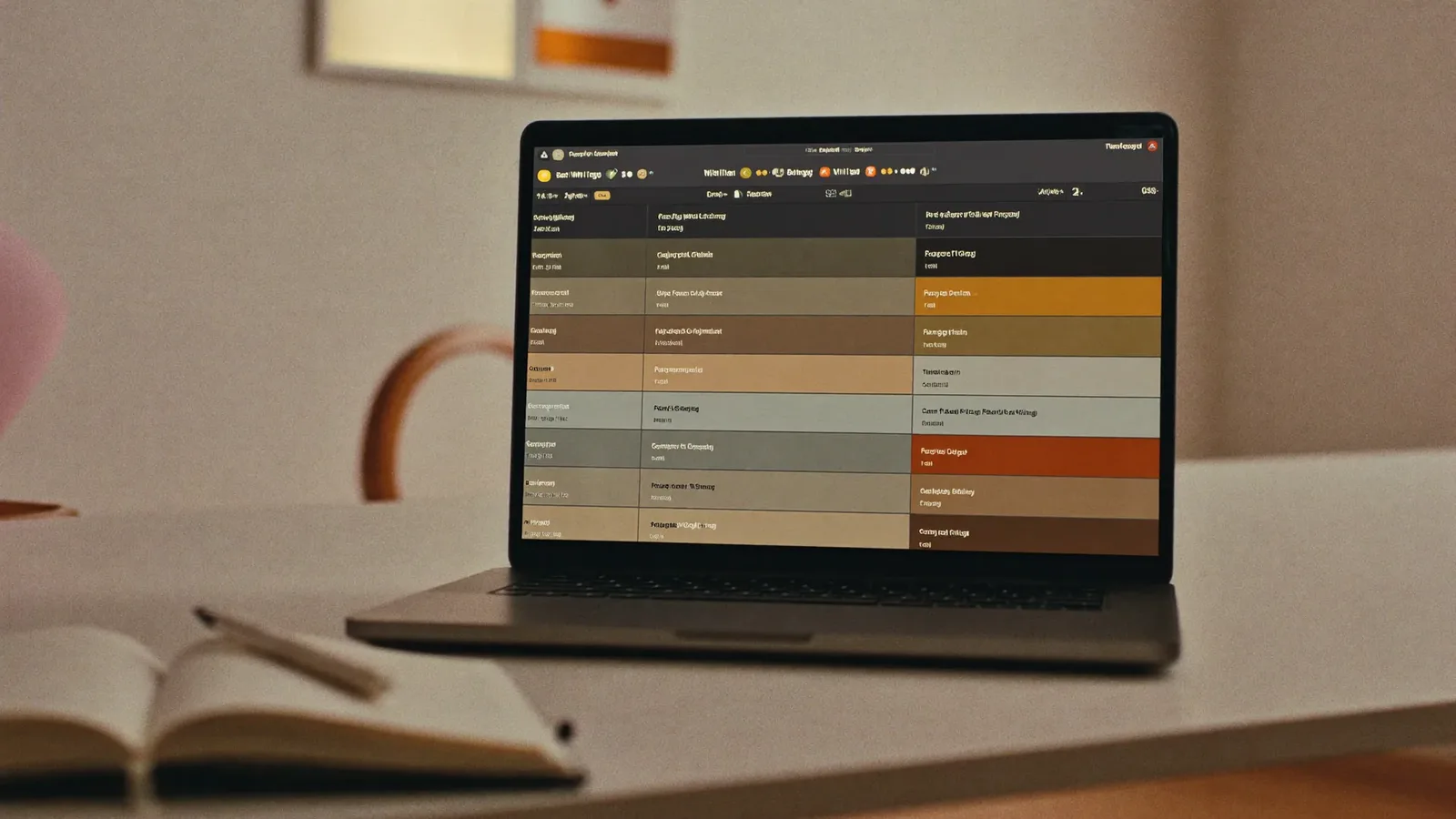
Whichever plan you pick, HubSpot reports are strongest on the data that lives inside HubSpot. Website analytics and offline sales often sit in other tools, so the full picture takes some pulling together. The Adnika Dashboard: one live view of a client's ads, analytics and CRM data, with AI recommendations reviewed by the strategist. For a HubSpot client on either plan, it puts deal stages next to the campaigns that filled them.
Moving from Starter to Professional
Upgrading doesn't mean a rebuild, because your contacts, deals and history stay where they are. The real work is deciding what to automate first and tidying the properties your workflows will read. Start with one process, such as routing new leads, and only add the next once the first runs cleanly. A few workflows everyone trusts are worth more than dozens nobody checks.
If you'd rather have help with the setup, you can see how we approach it on our HubSpot onboarding services in Dubai page. You can also move back to Starter at renewal, though anything that relies on Professional features stops running.
Making the call
Choose Starter if your team is small and you want a tidy CRM without much setup. Choose Professional when manual follow-up is costing you leads or managers can't get the reports they need. Either way, the plan matters less than how well the account is set up and how often your team uses it. For help setting up either plan, see how we work as a HubSpot CRM agency in Dubai.