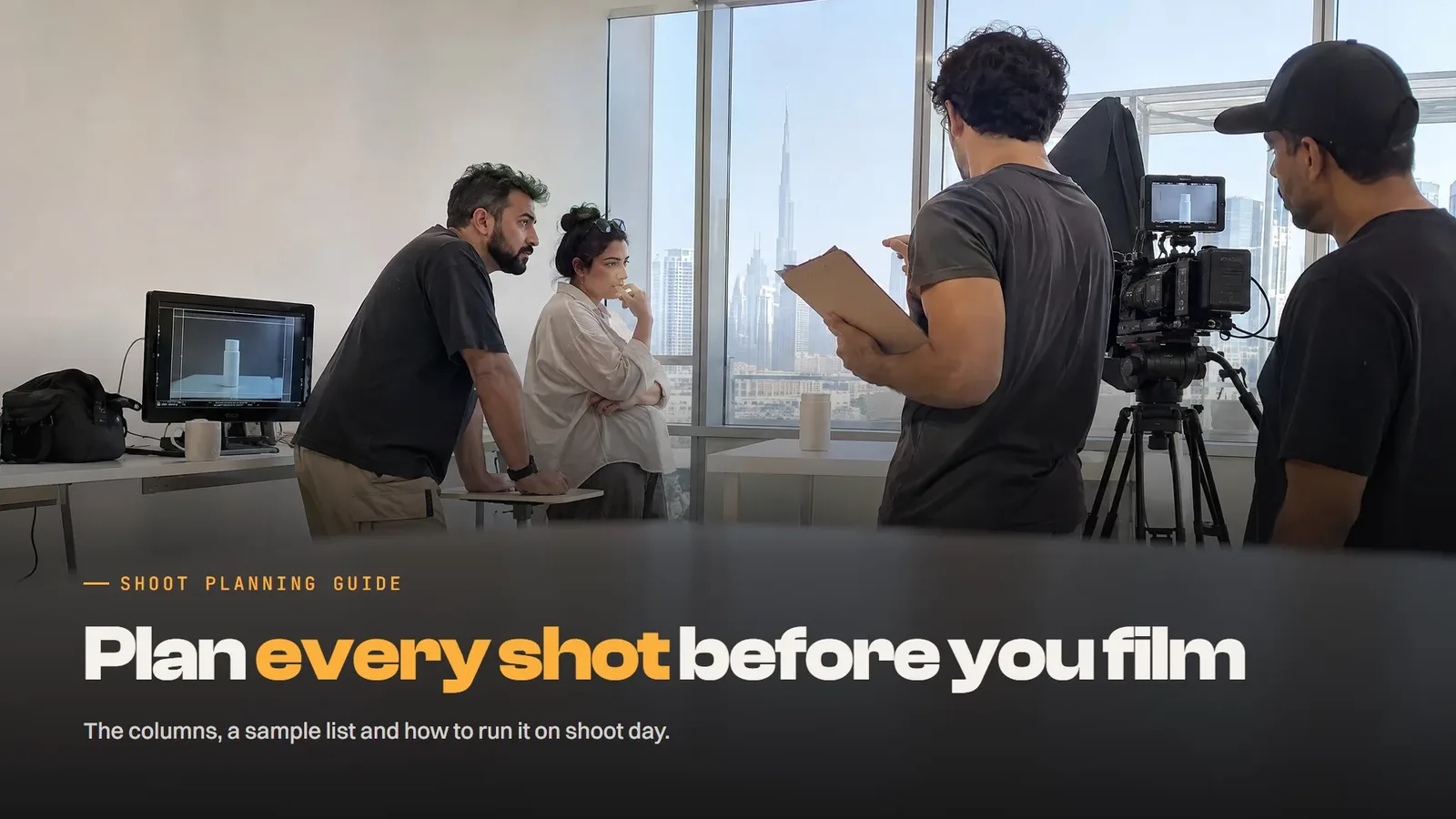
Contents13
- Why a written brief beats a kick-off call
- The template, field by field
- Goal: the one thing the video must do
- Target audience: who has to watch it
- Channels: where the video will run
- Key message and script
- Look and references
- Casting and locations
- Versions and approvals
- Deliverables and sign-off
- A copy-paste video brief template
- Gaps that slow a video production brief
- Using the brief once the video is live
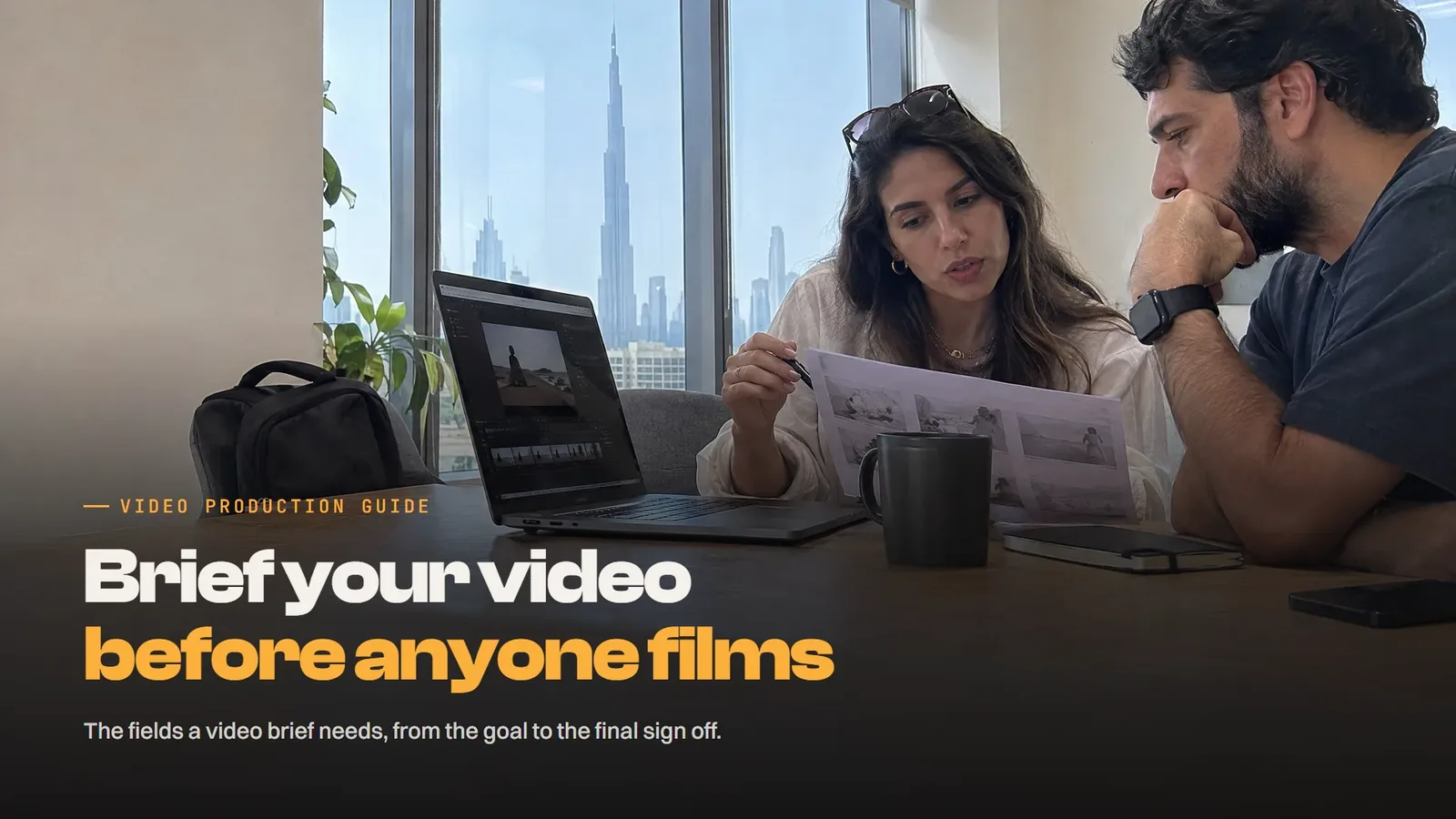
Most video projects that run late don't go wrong on the shoot day. They go wrong weeks earlier, when someone asks for "a video" and nobody writes down what it has to do. A video production brief fixes that, because it gives your producer, scriptwriter and editor one page to work from.
This guide walks through a video brief template field by field, with the questions that sit behind each one. Fill it in before your first call with a crew, whether you shoot in-house or hire a video production company in Dubai. You'll get a quote that matches the job, and fewer surprises when the first edit arrives.
Why a written brief beats a kick-off call
A kick-off call feels faster, but a brief that lives only in people's heads starts to drift as soon as the call ends. One person remembers "energetic", another remembers "premium", and the editor hears neither. A written brief gives everyone the same reference and settles arguments later, because the answer is already on the page.
It also protects your budget, because a crew can only price what it can read. A vague request gets either a padded quote or a cheap one that misses the point. Crews quote more accurately when a video production brief answers the basics before the first call.
The template, field by field
Copy the headings below into a shared document and answer each one in plain sentences. Short answers are fine, but leave nothing blank, because every gap turns into a guess someone else makes for you.
Goal: the one thing the video must do
Start with the business result rather than the format. "More sign-ups for our new product" is a goal, while "a brand video" is only a format. Then name the single action a viewer should take when the video ends, like visiting your website or booking a call. Pick one, because a film that asks for several things at once leaves people unsure what to do next.
Target audience: who has to watch it
Describe these people in a few sentences instead of a single demographic label. Say what they already know about you, what worries them and what would make them act. A clinic talking to first-time patients needs a different tone from one talking to referring doctors, even on the same subject. If your viewers are patients, see our page on healthcare video production in Dubai.
Channels: where the video will run
This field shapes the shoot more than any other on the page. A vertical Instagram reel and a widescreen film for your website need different framing from the first shot. A TV spot brings its own limits on length and sound, so flag it early if broadcast is part of the plan. List every place the video will appear, paid ads included, so the crew can frame for each one on the same day.
If you plan to cut short promo clips from a longer film, say so here as well. It changes how the crew frames each shot and how much spare footage they capture around the main action. Once the channels are set, give every cut a publishing date in your social media content calendar template.
Key message and script
Write down the one sentence you want viewers to remember. Then add two or three supporting points in order of importance, so the writer knows what to drop when time runs short. If a script or voice-over draft already exists, attach it and mark the lines that can't change. Product names and any wording that's already been approved belong on that fixed list.
Look and references
Words like "modern" and "clean" mean different things to different people, so show the crew instead. Link a few videos you like and say what works in each, such as the pace or the colour grade. Add one or two you dislike as well. Those often teach more, because they mark the line you don't want the film to cross.
Paste each reference as a full link starting with https, so nobody has to search for the clip you meant. Pointing to a piece from the crew's own portfolio helps too, because it's a style they already know how to deliver. Attach your brand guide and logo files here as well.
Casting and locations
Say who appears on screen and whether they're staff, customers or hired talent. Name any team members who'll appear and check each one is happy to be filmed. Casting actors or presenters takes time, so describe the people you picture as early as you can. Then list the places you can film, from your office to a house for a home scene, with any time limits.
Skip nothing here even if no one appears on camera, because an animated film needs its characters described as clearly as any cast.
Versions and approvals
Plenty of UAE campaigns run in both Arabic and English, so decide early which language you'll film in and which you'll subtitle. Separate voice-overs change the timing in the edit, so flag them here rather than after the shoot. Note whether your legal team has to review the words or the final cut, and add their time to the schedule.
Deliverables and sign-off
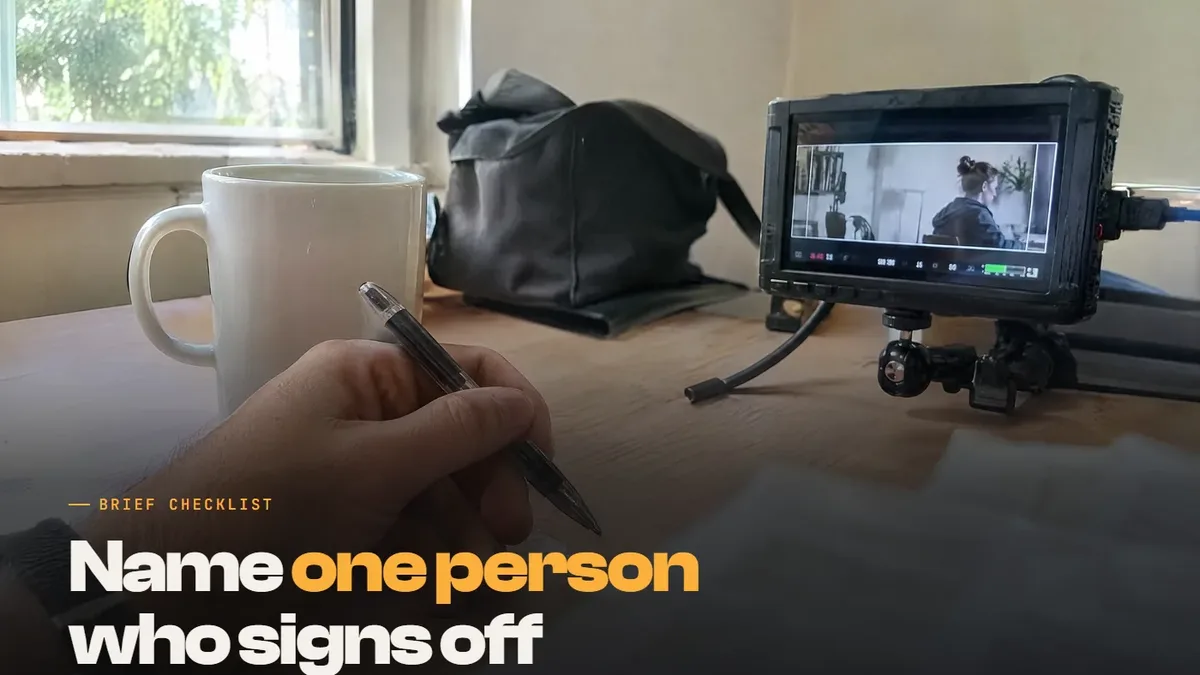
List everything you need back, from the main film to short cut-downs, vertical versions and subtitle files. Add the date the video must go live and let the crew plan backwards from it. Then name the one person who gives final sign-off. When several people send notes that contradict each other, the editor ends up guessing whose view counts.
A copy-paste video brief template
Paste this into a shared document and fill it in with everyone who has a say before you brief a crew.
Project owner: the person who runs the project day to day and the one who signs it off.
Goal: the business result you want and the single action a viewer should take next.
Audience: who they are, what they already know about you and what holds them back.
Key message: the one sentence viewers should remember, plus supporting points in order.
Channels: every place the video will run, such as Instagram, paid ads, your site or broadcast.
Existing copy: attach any draft and mark the lines that cannot change.
Look and references: full links to videos you like and ones to avoid, each with a short note on why.
People: staff who will appear, any actors you need and who approves their image.
Locations: the places you can film and any limits on access or timing.
Language: what you'll film in, what gets subtitled and any separate voice-overs.
Approvals: who reviews the words and the cut before anything goes live.
Deliverables: the main film, short cut-downs and the formats you need back.
Deadline: the go-live date, plus any fixed dates before it such as a launch or an event.
Gaps that slow a video production brief
The most common gap is a goal with no way to measure it. If nobody agrees what a good result looks like, every round of feedback reopens the whole film.
The next is a channel nobody mentioned until the edit. Footage shot only in widescreen rarely crops well into a vertical format, so late additions tend to look awkward.
The last is a brief with no named owner, which lets comments arrive late from people who never read it. Put one name in the sign-off field and keep it there until delivery.
Using the brief once the video is live
The same template works for a launch film, a recruitment piece or a corporate video production project. Your brief keeps working after delivery too, because its goal field tells you what to measure. If Adnika runs your video as an ad, you see how it performs next to the rest of your campaigns. The Adnika Dashboard: one live view of a client's ads, analytics and CRM data, with AI recommendations reviewed by the strategist.
That puts the result beside the goal you wrote in the first field of the brief. Fill in the template before your next project, even when it feels slow. Time spent on the brief is time you won't spend on reshoots and repeat edits. What happens after the brief, from concept to final cut, is in our guide to creative video production in Dubai.