Contents11
- B-roll in plain terms
- Where the name B-roll comes from
- A-roll and B-roll side by side
- The main types of B-roll
- Why B-roll matters in business video
- How to plan B-roll before the shoot
- How to shoot B-roll that cuts well
- Editing B-roll into your video
- B-roll in ads and social video
- Common B-roll mistakes
- Getting B-roll right on your next video
B-roll in plain terms
Most business videos are built from two kinds of footage. The first, often called A-roll, is the person speaking, whether a founder talking to camera or a voiceover reading a script. B-roll is everything you cut to while that voice keeps going. It might be a close-up of hands packing an order, or a slow pan across a hotel lobby before guests arrive.
The words tell people what you do, and the pictures show them, which is what makes a claim believable on screen. A clinic might describe its rooms as calm and spotless, but a quiet shot of a treatment room makes the point faster.
Where the name B-roll comes from
The term goes back to film editing, long before video was cut on computers. Editors working with film often split their shots across two rolls, labelled A and B, to create dissolves between them. Television news later borrowed the labels. The A-roll held the reporter or the interview, and the B-roll held the pictures laid over the top.
Nobody needs two physical reels today, but the names stuck. When an editor asks for more B-roll, they mean more supporting shots to cover the talking.
A-roll and B-roll side by side
A-roll carries the message, whether it's an interview or a narration, and the whole edit is built around it. B-roll supports that message by adding context and by covering the cuts between sentences. A simple test is to mute the video: if the pictures alone still hint at the story, the B-roll is doing its job.
The split isn't always fixed, and it depends on what carries the story. In a software demo, the screen recording might be the A-roll, with shots of the team used as B-roll. A short social clip set to music with captions might be all B-roll, with nobody speaking at all.
The main types of B-roll
Most B-roll falls into a handful of types, and a good video mixes several of them.
Establishing shots are wide views of where the story happens, such as the outside of an office or a street in Dubai Marina.
Detail shots are close-ups of hands and products, and they give an edit a sense of care.
Action shots show people doing the work you're describing, from a chef plating a dish to a nurse preparing a room.
Cutaways show a nearby detail such as a listener nodding along, which hides a jump in an interview.
Screen and archive footage means recordings of your website and old photos from earlier campaigns.
Stock footage is bought from a library for things you can't film yourself, though viewers often spot it.
Wide shots set the scene, while close details and real action give viewers proof the work happens the way you say it does. Leaning on one type for the whole video makes it feel flat, even when each shot is beautiful.
Why B-roll matters in business video
People decide quickly whether a video deserves their time, and one static shot of someone talking gives them little reason to stay. Changing the picture every few seconds keeps the eye busy while the message lands. B-roll is the cleanest way to do that without cutting the speaker off mid-thought.
It also does practical work in the edit. Interviews rarely come out in one clean take, and when you remove a stumble or a long pause, the speaker's head jumps on screen. Laying B-roll over the join hides the jump, so the answer sounds as smooth as the script.
Then there's trust, because anyone can say their service is careful or their food is fresh. Showing the kitchen at work makes the claim easy to believe, which matters for any business asking a viewer to book or buy.
How to plan B-roll before the shoot
Good B-roll starts on paper, well before anyone picks up a camera. Read the script or the interview questions and mark every line where a viewer would want to see something. If the founder says the team checks each order by hand, you need a shot of someone checking an order by hand.
Turn those marks into a shot list. For each line, write down the shot, where it happens and who needs to be in it. Then group the shots by location, so the crew isn't driving back and forth across the city between takes.
Plan for more footage than seems sensible. Editors use B-roll faster than anyone expects, and a long interview might need dozens of separate shots to cover it properly.
In Dubai, light and heat shape the schedule. Midday sun is harsh and flattens faces and surfaces, so outdoor B-roll looks better early in the morning or late in the afternoon. Indoor shots are easier to control, but check whether the venue will be busy when you plan to film.
If you publish in Arabic and English, plan B-roll that works without speech. The same shots then sit under both voiceovers, and only the narration has to be recorded twice.
How to shoot B-roll that cuts well
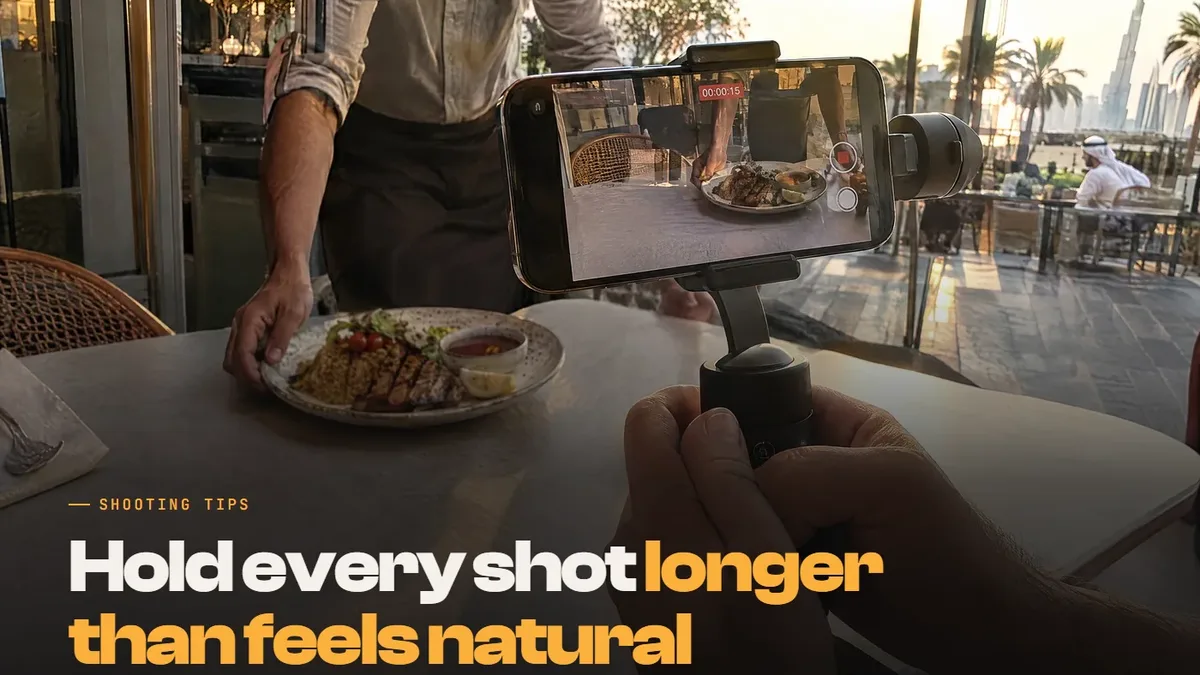
Hold every shot longer than feels natural. Start recording a few seconds before the action and stop a few seconds after it, so the editor has room to trim both ends.
Move the camera with purpose, or keep it still. A slow push towards a subject or a steady locked-off frame both cut together well. Fast, shaky moves rarely do, unless the whole video is meant to feel raw and quick.
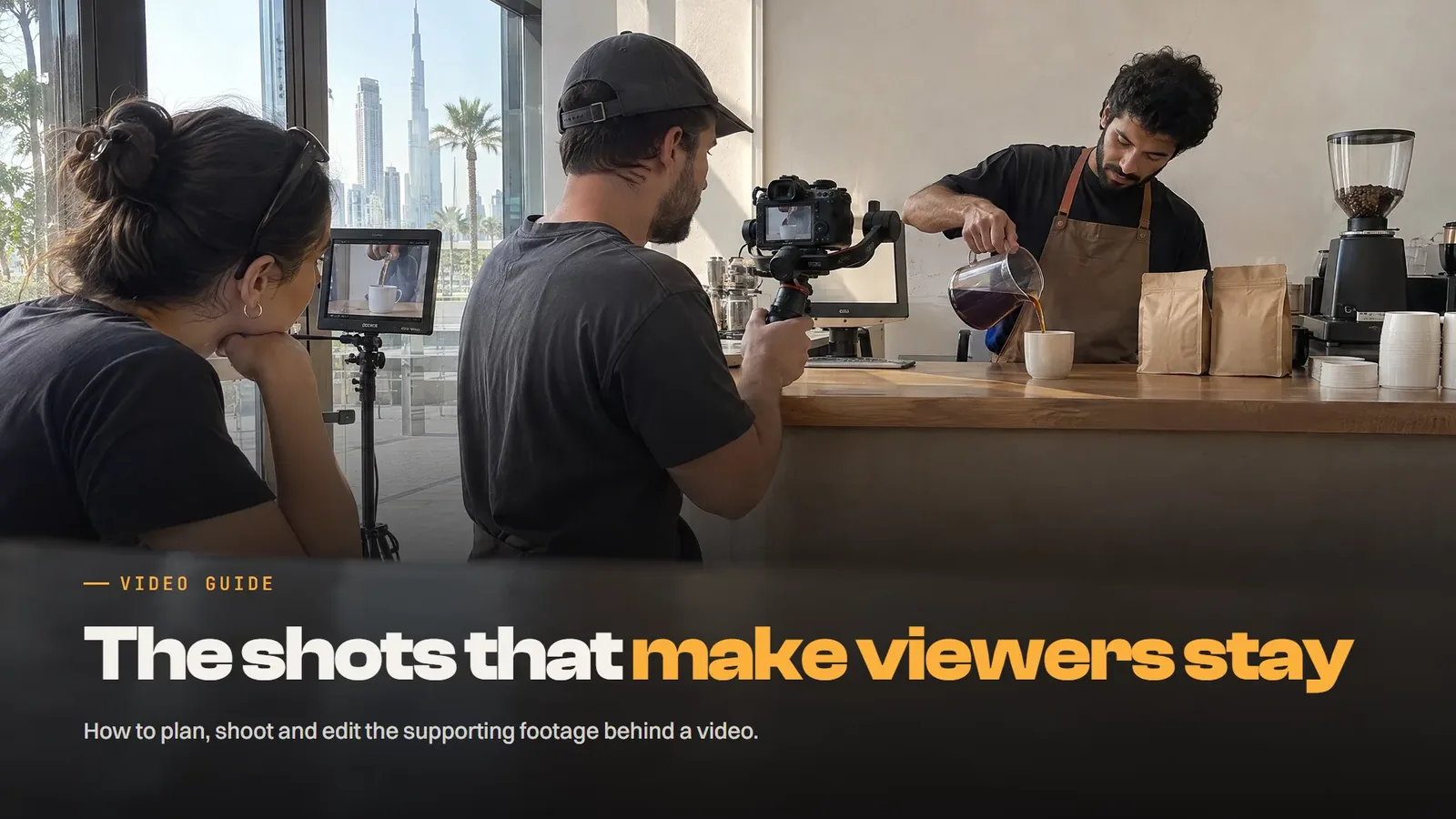
Film each action from more than one angle. Start with a wide shot of the barista, then move in for a medium shot and finish on the cup filling. Several angles of one moment give the editor a short sequence instead of a single clip.
Keep your look consistent with the main footage. If the interview was filmed in warm light, B-roll shot under cold office lights will look odd beside it. Match the frame rate too, and shoot at a higher one if you want the option of slow motion later.
A phone is fine for a lot of B-roll, especially for social video. Lock the exposure and focus, wipe the lens, and brace your arms or use a small gimbal to keep movement smooth.
Editing B-roll into your video
Lay the A-roll down first and get the story right with sound alone. Once the edit makes sense with your eyes closed, start placing B-roll over the lines it illustrates.
Cut on meaning, so each shot matches what the speaker is saying or arrives a beat before the line. Change shots at natural pauses in speech rather than halfway through a word.
Watch how long each clip stays up. A shot should last long enough to be read and no longer, which keeps the pace up. A close-up of a hand might need a second or two, while a wide shot of a room needs longer.
Bring the speaker back on screen at key moments. Viewers want to see who's talking, especially when they share a personal story or make a point they care about. A video made entirely of B-roll can feel like an advert with nobody behind it.
Finally, use the sound you recorded. Natural sound from the B-roll, like a door opening or coffee pouring, adds life to the edit when it's mixed quietly under the voice.
B-roll in ads and social video
Short videos on social platforms move fast, and plenty of people watch them with the sound off. That puts more weight on B-roll, since the pictures and captions have to tell the story on their own. Open with your strongest shot rather than a logo, because the first moment decides whether someone keeps scrolling.
Different industries lean on different shots. A hotel or restaurant sells an experience, so slow shots of rooms, tables and guests do most of the work in hospitality marketing. A clinic needs calm shots of clean rooms and friendly staff to reassure people before a first visit. Footage like this carries much of the load in healthcare marketing for clinics, on ads and on the website alike.
For ads, shoot B-roll with a few variations in mind so you can test them. Two versions of one ad with different opening shots may perform quite differently, and only a test shows which one to keep. Creative testing like this is a routine part of growth marketing, where each change is measured before more budget goes behind it.
Testing only helps when you can read the results in one place. The Adnika Dashboard: one live view of a client's ads, analytics and CRM data, with AI recommendations reviewed by the strategist. For a client running video ads, ad results sit beside the enquiries in the CRM, so the next shoot can follow what worked.
Common B-roll mistakes
The most common mistake is shooting too little. Teams spend hours on the interview and a few rushed minutes on B-roll, then find in the edit that every cut shows.
Generic footage is the next problem. A stock clip of people shaking hands in a boardroom tells the viewer nothing about your business, and they've seen it before. Your own shots, even simple ones from a phone, almost always feel more honest.
Literal B-roll backfires too, because a visual pun pulls attention away from the message. If the speaker says "we're growing fast" and the edit cuts to a sprouting seedling, viewers notice the joke and lose the point. Choose shots of the real thing rather than a symbol of it.
Watch what's in the background as well. Keep customers' faces out of frame unless they've agreed to appear, and look out for other brands' logos on cups, bags and screens.
Getting B-roll right on your next video
B-roll deserves the same planning as the script, because it does half the communicating in most business videos. Build a shot list from your script, shoot more than you think you need, and edit with the sound first.
When video is part of a bigger plan, a content marketing agency in Dubai can fold it into what you already publish. For video that works alongside search and ads, a digital marketing agency in Dubai keeps every channel working to the same plan.