 Personal brands
Roxana Diaconu
- Design
- Development
- 3D and motion
HubSpot & CRM
Our HubSpot training in Dubai teaches sales, marketing and service teams to work in the HubSpot CRM you already pay for, using your real data.
A senior person reads this and replies within one working day. No call centre, no drip sequence.
The form did not load.
It is our end, not yours. Email us instead and it reaches exactly the same person.
Support@adnika.comPlatforms & clients
The platforms we build and run campaigns in, and the clients whose numbers we publish with their names on. These are tools we use, not partner badges.


Websites and plugins connected to a CRM, from HubSpot to Goyzer and Odoo. Pick another service or an industry, or search for a client.
View all case studies Personal brands  Corporate
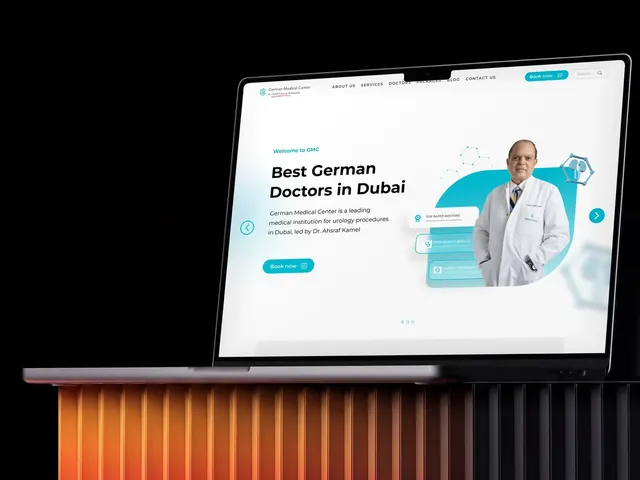 Healthcare
 Real estate
 Real estate
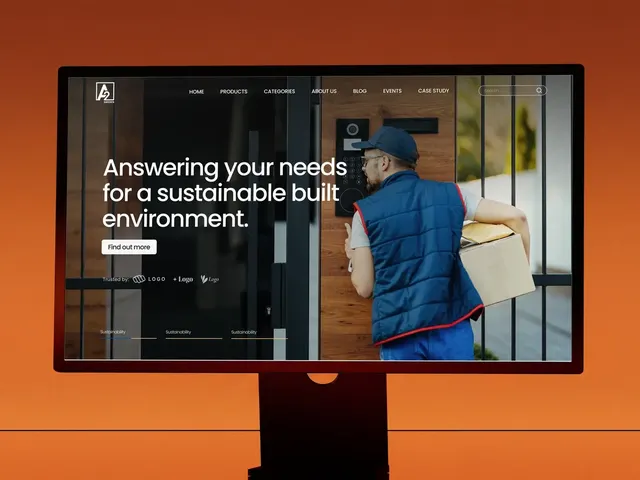 B2B and industry
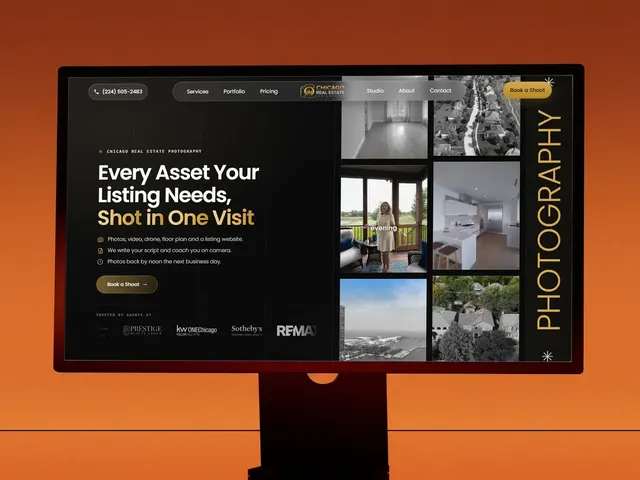 Real estate
 Real estate
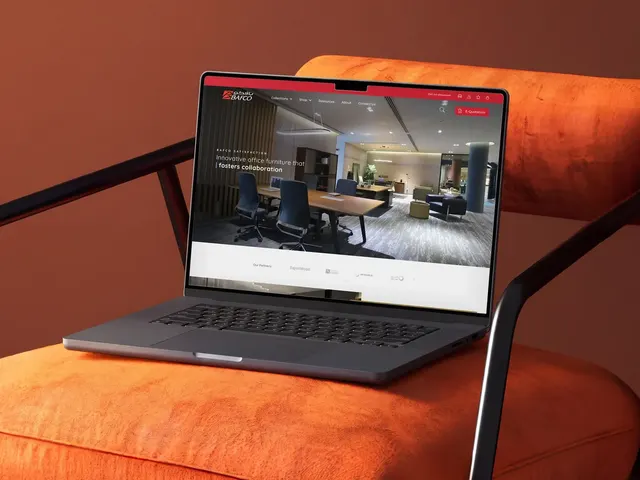 Retail and e-commerce
 Retail and e-commerce
 Healthcare
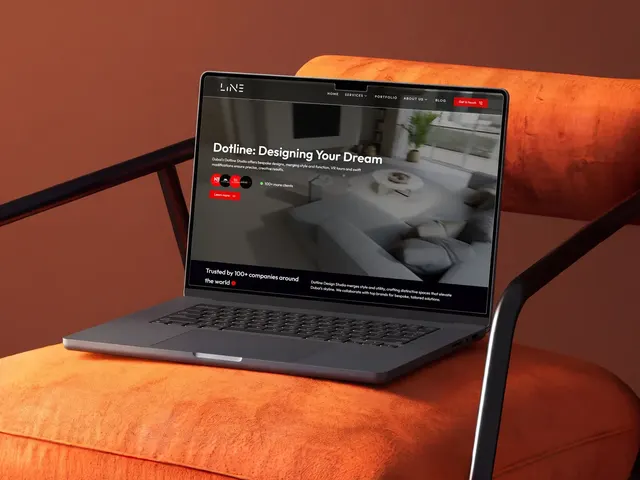 Interior design
 Personal brands
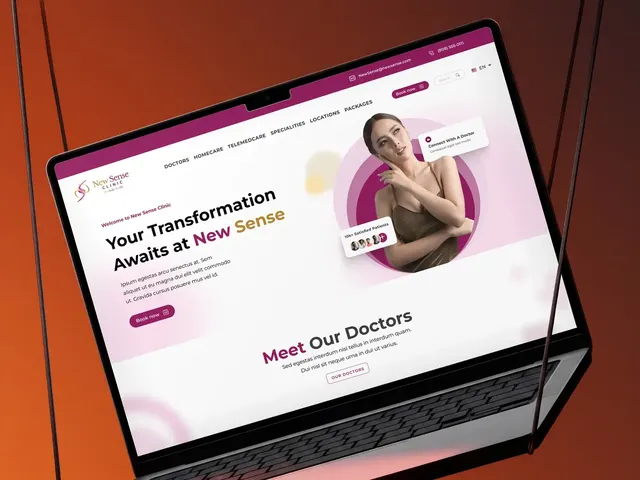 Healthcare
 Healthcare
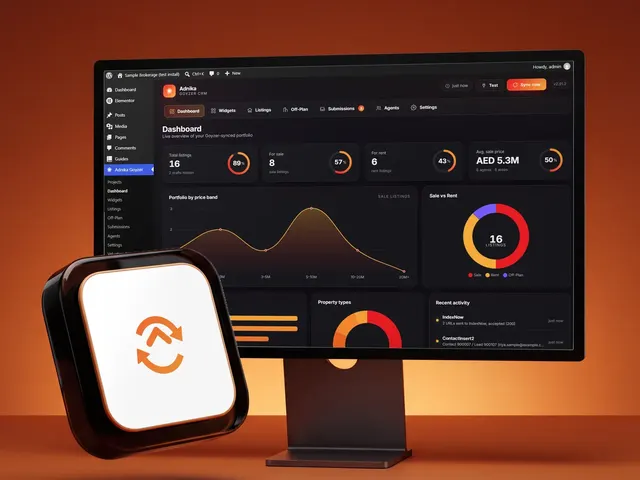 Real estate
 Education
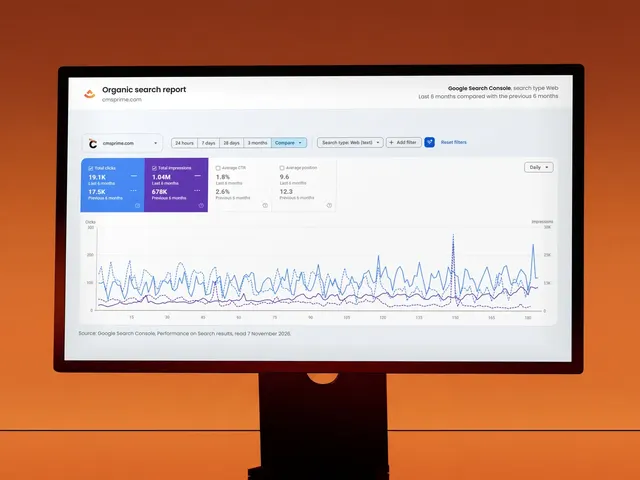 Finance
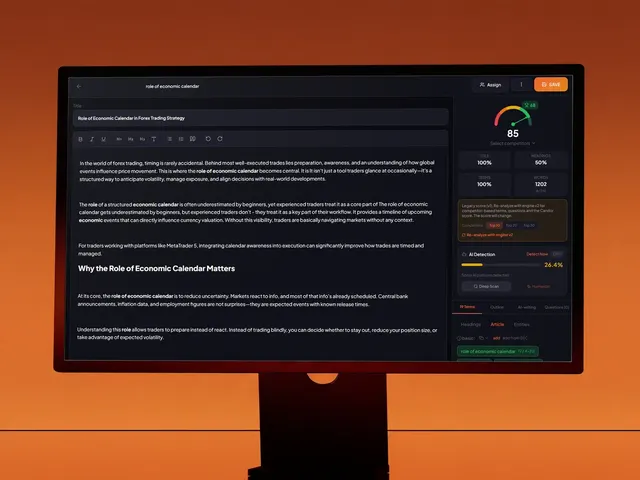 Our own products
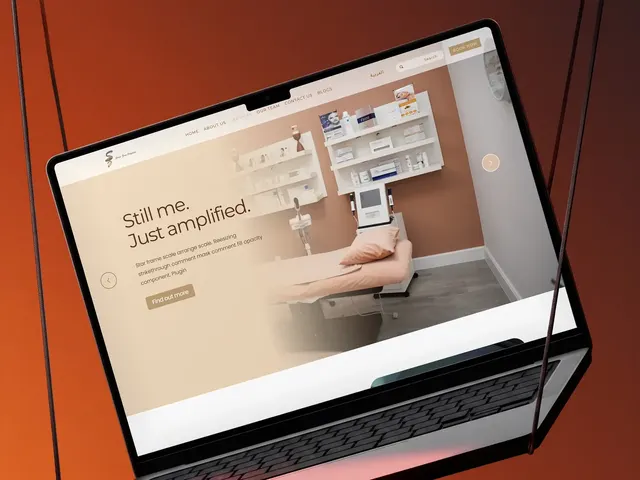 Healthcare
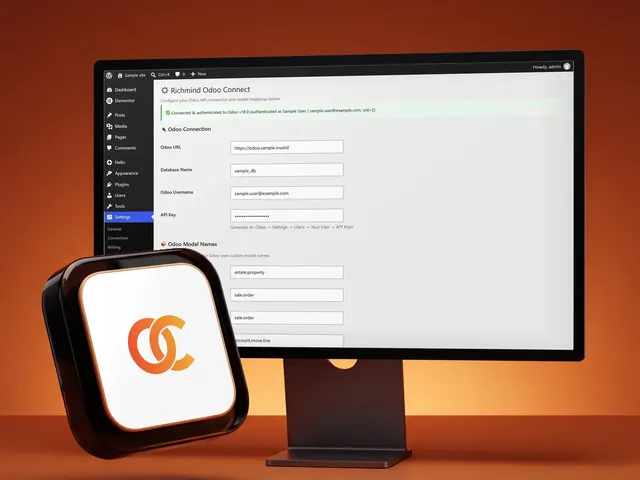 Real estate
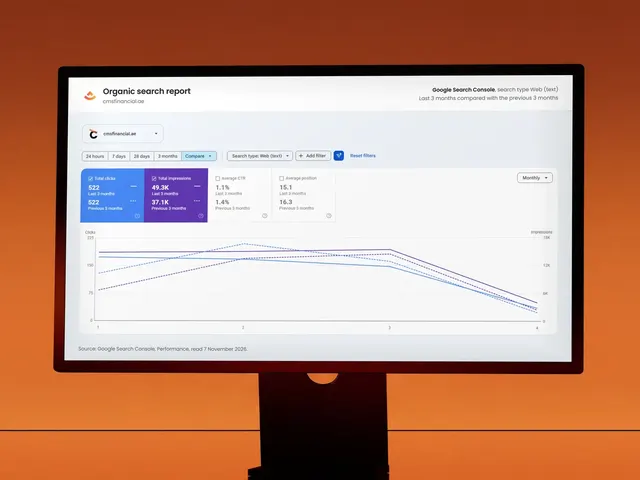 Finance
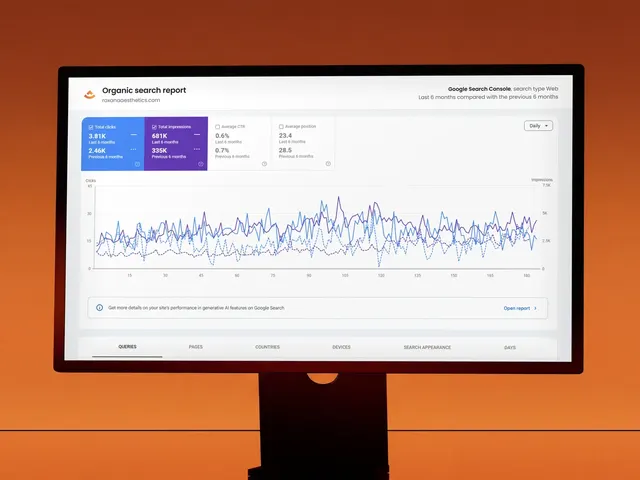 Healthcare
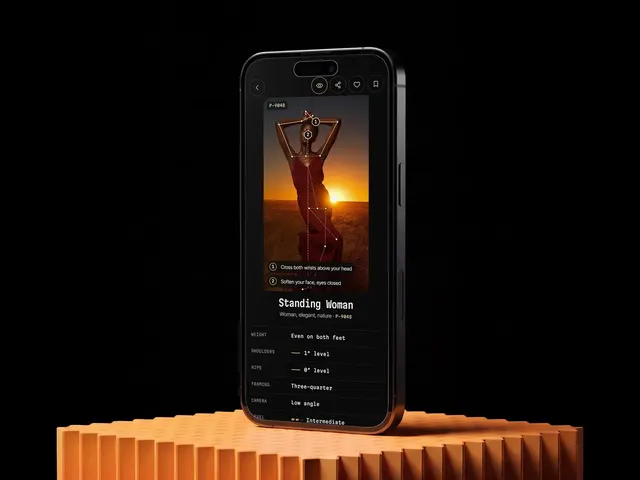 Our own products
 Our own products
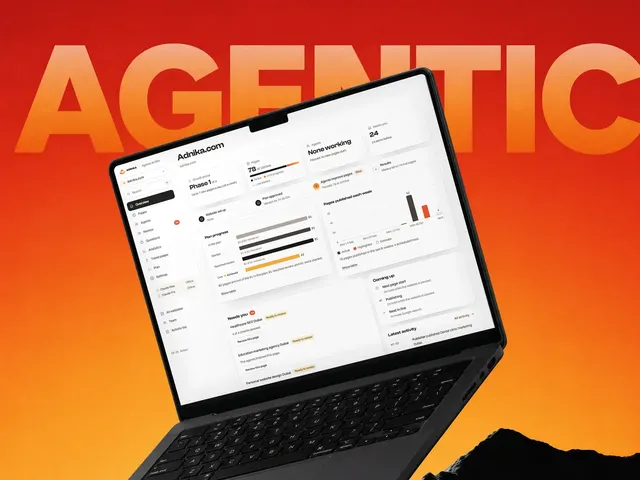 Our own products
 Healthcare
Nothing matches that yet.
What we do
A customer relationship management system earns its cost when everyone uses it the same way. HubSpot's interface is user-friendly, yet like all CRM tools it drifts once nobody agrees how to log a call or move a deal. Training sets those rules and gives each role time to practise them.
Where portals usually go wrong
Duplicates and blank fields make every report harder to believe. We teach simple entry rules so your HubSpot CRM holds high-quality data and your reps stop keeping side spreadsheets.
Leveraging HubSpot for forecasting only works when every rep reads deal stages the same way. We turn your sales processes into stages with clear entry rules, so managers can trust what the pipeline shows.
Workflows built by a past employee often keep running with no owner. We show your admins how to read them, test them and switch off the ones doing harm.
How we work
We build the curriculum from the roles on your team, so nobody sits through a module meant for someone else. Pick one track or combine several, depending on which hubs you use and where the gaps sit.
For sales teams and managers who want HubSpot Sales Hub to replace scattered notes and spreadsheets. Reps learn to manage pipelines, log activities and follow up from the inbox they already use.
For digital marketing teams running campaigns from HubSpot Marketing Hub. We work through your live marketing campaigns, so the learning goes straight into next month's work.
For customer service teams using HubSpot's Service Hub software to answer people from one shared inbox. Agents practise on real cases, which keeps customer relationships in one record instead of scattered email threads.
For the person who owns the portal, often a revenue operations lead. If you don't have a HubSpot expert on staff, this track gives a named admin the skills to keep the system clean.
How we use AI
We start inside your account and look at how your records and deal stages are set up today. That review will highlight where people struggle and which roles need the most time.
You get a custom outline showing each session, who should join and the measurable goals we're working towards. We settle the schedule and duration with you before anything starts.
Training runs as practical work on your own records, so people learn by doing the tasks they already do. Questions about your deals and campaigns get answered as they come up.
After the sessions we look at how the portal is being used and where old habits returned. Any gaps can feed further training if your team needs it.
Why us
We work with HubSpot on live client accounts, so our trainers talk about real deals and campaigns. You get examples from agency work, and every exercise stays close to how your business sells.
Generic HubSpot courses teach the tool in a demo account. Ours use your deals, contacts and reports, which shortens the gap between the training and Monday morning.
A rep, a marketer and an admin need different skills from the same software. We split the group by job, so each person spends time on tasks they'll repeat next week.
Handover problems often sit between marketing and sales, so joint sessions matter. Both teams agree what a qualified lead means, which makes follow-up easier to run afterwards.
The Adnika Dashboard: one live view of a client's ads, analytics and CRM data, with AI recommendations reviewed by the strategist. If we also run your campaigns, your newly trained team can see there whether better CRM habits show up in the numbers.
Capabilities in detail
Each topic stands alone, so you can build a short programme or a longer one. Every one ends with practical application on your own records, which keeps the learning tied to real work.
Contacts, companies and deals, and how they connect inside HubSpot CRM. New starters learn where information lives and how to keep records complete, which makes this a sensible place to begin.
We turn your sales processes into stages, set required fields and show the team how to update deals. Managers also learn to review open deals and coach from what they see.
Templates, snippets and shared documents shorten a rep's day when people trust them. This part of the training ties sales enablement to how your team sells, so reps open the material during real conversations.
Your team agrees what a good lead looks like and scores contacts against that picture. We then connect those scores to nurturing emails and to the moment a rep should engage.
Marketers learn to read, build and test workflows without damaging the database. Practice covers everyday use cases, from welcome emails to internal alerts for your reps.
People learn to build reports that answer the questions your leaders ask. We cover custom dashboards and how to read the impact of a campaign without exporting it into a spreadsheet.
Connecting Gmail or Microsoft Outlook means emails and meetings log themselves against the right contact. Reps learn what gets tracked and how to avoid creating duplicate records.
We show how to use HubSpot's AI features for drafting and summarising, and where a person still has to check the output. Availability depends on your plan, so we teach what your account includes.
Technology
Training stays inside the tools your team opens every day. Here's what we typically cover, based on your plan and integrations.
The records and tasks reps open each morning
Whichever products your plan includes
Where the portal meets your other tools
Where managers read the numbers
Where marketers capture new leads
Where admins keep things tidy
Industries
Every number below is the count of case studies we have actually published in that sector, and the best result among them. Nothing is a counter.
Client stories
On camera and in writing — swipe through the founders and teams we’ve helped design, build and grow.
In their words
GMC is thrilled to extend our heartfelt appreciation to Adnika! Collaborating with Ehsan and his team has consistently been an absolute delight. Ehsan's dedication and commitment have ensured that German Medical Center remains an exceedingly satisfied and happy client, especially regarding their Hubspot Onboarding, Digital Marketing, Website Development, Content Creation and Social Media Marketing. Adnika is indeed the Best Digital and Growth Marketing Agency in UAE!
Adnika provided us with their Inbound Sales and Marketing solutions through Hubspot. They helped us generate more qualified leads for our sales team, drive website traffic, increase customer engagement, and grow our customer base. Adnika is a reliable partner that has always taken our specific goals and needs seriously.
Adnika has helped us plan, implement and optimize ad campaigns on Facebook and Instagram. Adnika is truly committed to Performance Marketing. They provided us with a fantastic dashboard with detailed KPIs that helped us track the campaigns’ performance in real time. Adnika also gave us helpful and dedicated support during the whole project, and the campaigns turned out to be a great success. We highly recommend working with Adnika's growth experts.
We really enjoyed working with Adnika’s team. Not only are they talented, but they all take the time to understand whom they're working with, what they're trying to accomplish, and how to help the business achieve its goals. The quality of work we've experienced has made a huge difference for us and helped drive new business.
Adnika helped Sea Technology with setting up new digital channels, such as Google Search Ads, to attract more customers and leverage our brand. We are very satisfied with the results and we will continue with the implementation of lead generation, marketing automation, and performance marketing.
Working with the Adnika team has been a real pleasure! Extremely friendly, Ehsan and Elin are always available with prompt replies, valuable insights, patience, a problem-solving attitude, and high knowledge. Super easy to work with them. I highly recommend the Adnika team to help your business!
I am an artist, but I also manage a collective of DJs. In order to promote our services to our clients, we needed Inbound solutions that could attract the right traffic and promote the brand. Adnika built and designed our Inbound processes as well as create and manage campaigns on social media and Google Ads which helped us attract many more customers. I’m very happy!
We've been using Adnika growth marketing solutions only for a few months. They are highly professional, competent, experienced, and creative. Get ready to get to work with this agency. They will come alongside you as a business owner and feel your pain and joy! Get ready to transform your business.
Watch
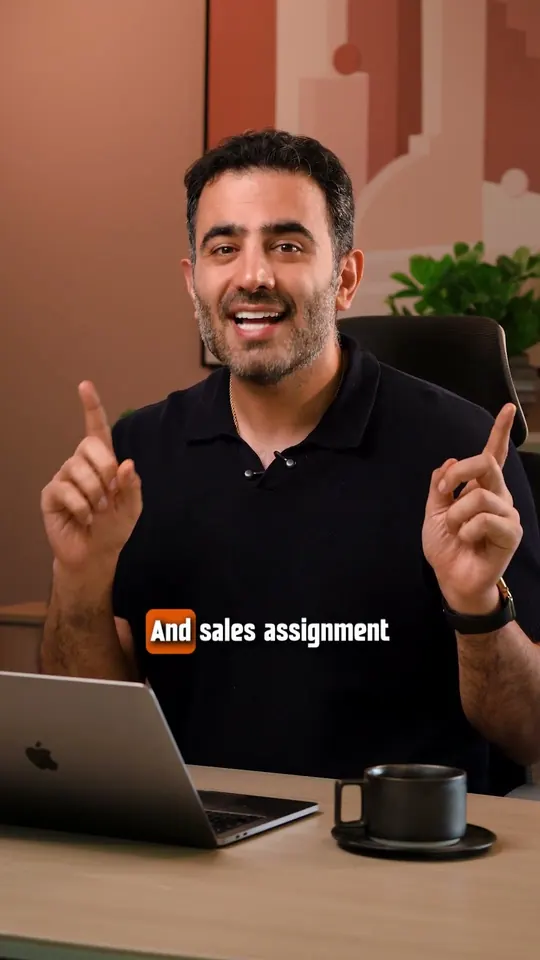 0:28Play Still Chasing Leads Manually? Automate It With HubSpot, 28 seconds
Manual follow-ups don't scale, and missed leads cost money. HubSpot can automate lead capture, lead scoring, follow-ups and sales assignment, so hot leads get action and cold ones get nurtured.
Still chasing leads manually? There's a better way. Manual follow-ups don't scale, and missed leads cost you money. We use HubSpot to automate everything, from lead capture to lead scoring to automated follow-ups and sales assignment. Hot leads get action, cold ones get nurtured. Nothing slips through the cracks. Let's build a smarter system inside HubSpot for you.
 0:26Play Getting Leads Is Easy. Managing Them Is Where Growth Happens., 26 seconds
Getting leads is easy. Managing them is where growth happens. Automation tags, scores and segments every lead, then hands the hot ones to your sales team.
Lead generation without lead management is a trap. Getting leads is easy. Managing them, that's where growth happens. At Adnika, we automate it from first click to follow-up. We tag leads, score them, segment them and hand over the hot ones to your sales team. No more cluttered sheets. No more missed opportunities. Let's build a lead system that actually works.
FAQ
Here's what people usually want to know before they book HubSpot training with us.
It covers whatever your team uses, from CRM basics through to reporting and HubSpot's AI features. We set the content after reviewing your portal, and training sits alongside our wider work as a HubSpot & CRM agency in Dubai.
Anyone who will use HubSpot during a normal week should join, from reps to service agents. Managers gain the most from the reporting work, while admins need the longer track on settings and records.
Duration and time commitment depend on how much of HubSpot you use and how many people are involved. A company rolling out every tool needs longer than one team, and teams with limited time can start with a single topic.
Fees depend on team size, the modules you choose and the number of sessions. A set price wouldn't fit every team, so we quote once we've scoped the work.
Arabic and English are the languages our team works in, so tell us what suits your people when we scope the work. Mixed groups can split by language if that helps everyone follow along.
We agree the format with you during scoping, based on where your people sit. Hands-on portal work suits a shared room, while a global team across several offices may prefer video calls.
HubSpot Academy runs its own online courses, and our training doesn't replace them. The two sit well together, because your team practises the same ideas on your own portal.
If your portal isn't set up yet, start with HubSpot onboarding services and add training once your deal stages and properties exist. People learn faster when the screens they practise on match how they'll work.
Training helps most once the rules exist, so we agree them together first. For deeper work, lead scoring setup and consulting builds the model deciding when a contact reaches a rep.
Some teams prefer to hand that work over and learn only what they need. Our marketing automation services in Dubai cover the build and the running, and your staff can still learn how it works.
No questions match — try another search.
Free resources
These templates and guides give your team something practical to work from between sessions. Use them to set lead targets, plan your emails and map the follow-up you want in HubSpot.
Work out how many leads marketing must hand to sales each month to hit the revenue target, then track every region against that plan.
A Word sales plan template covering mission, team, target market, tools, positioning, prospecting, action plan, goals and budget.

A guide to setting up marketing automation in five steps, with templates for goals, personas, the buyer journey, workflows, lead scoring and A/B tests.
An Excel planner for every email you send, with owner, status, subject line and lists, and delivery, open and click rates worked out for you.

Where this sits
Training sticks better when the portal matches your strategy and revenue operations. These related services cover the setup and the work around it.
Next step
Tell us which HubSpot tools you use and who needs training, and we'll shape a plan around your team's work.